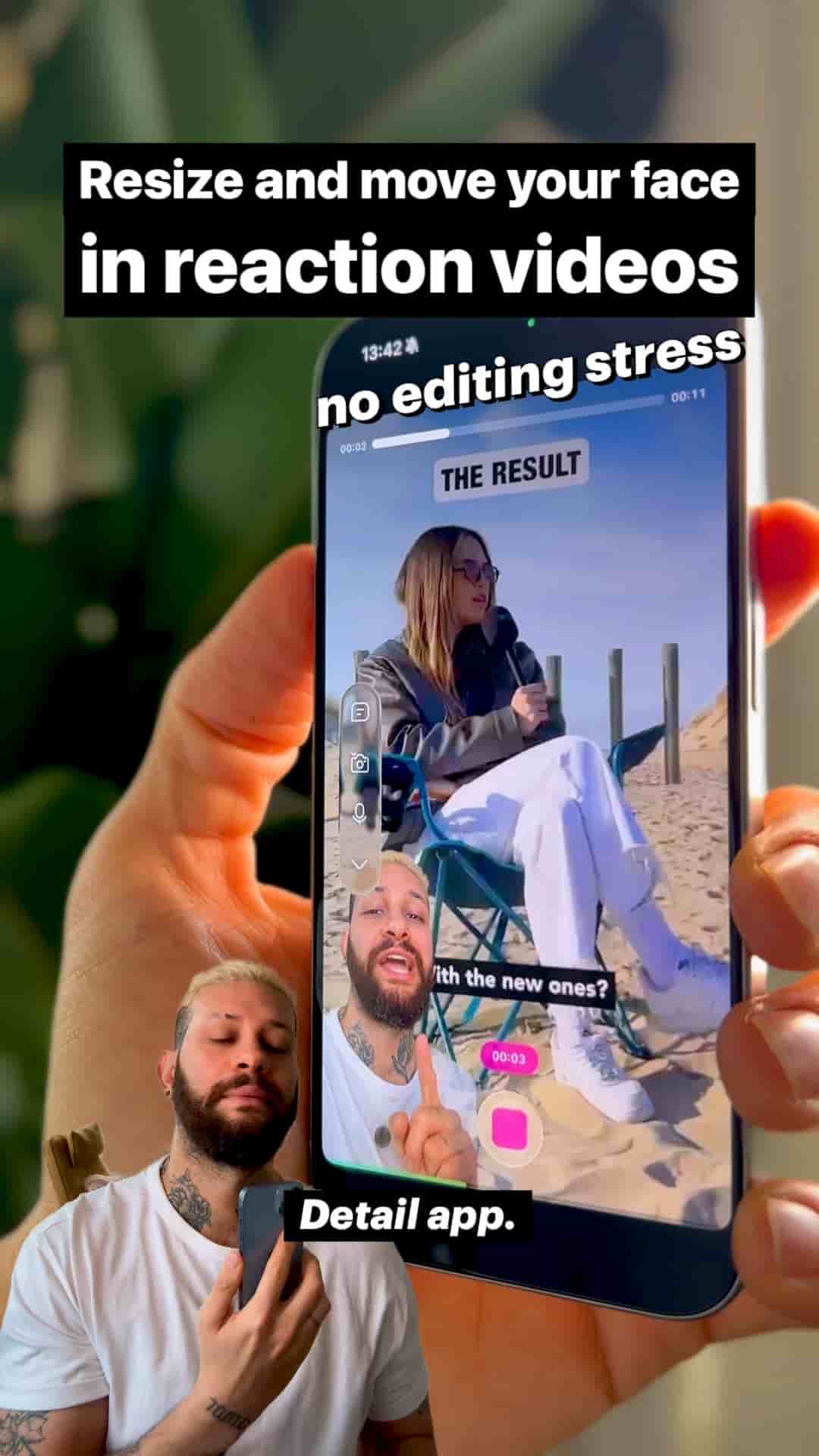
Learn how to easily resize and position your face in reaction videos using Detail app, with full flexibility to adjust everything after recording.
Creating reaction videos doesn't have to be complicated. There's a straightforward way to get your face positioned exactly where you want it, and you can adjust everything later without having to start over. The Detail app makes this process incredibly simple, dropping you straight into a reaction layout without any complicated setup.
The process begins with the reaction video shortcut in Detail. You can grab content from virtually anywhere. Whether you're reacting to a YouTube video, something from TikTok, or an Instagram post, all you need to do is paste the link. You can even pull from your own camera roll if you want to react to a photo or video you already have saved.
The best part? There's no setup required. Detail immediately places you into the reaction layout, ready to go. No fiddling with settings or trying to figure out complicated configurations.
Once you're in the reaction layout, tap the layout button. From there, customizing your position is as intuitive as it gets. You can pinch to resize your face, making it bigger or smaller depending on what feels right for your video. Then simply drag it anywhere on the screen. Want it tucked in the corner? Done. Need it larger and more prominent? Just resize it.
The flexibility here is total. You're not locked into preset positions or sizes. Move it around until it looks exactly how you want it.
What I love about using Detail is that if you change your mind later, you can reframe and move everything after recording, so you do not need to re-record anything.
Once you've got your positioning set, hit record and start reacting. But here's where Detail really shines compared to other options: you're not locked into your choices.
If you finish recording and realize you want your face in a different position, or sized differently, you can adjust everything after the fact. No need to re-record. No need to nail it perfectly the first time. You can reframe and move everything in post, which takes so much stress out of the creation process.
This flexibility transforms the workflow. Instead of worrying about getting every detail perfect while you're trying to focus on your actual reaction and commentary, you can adjust the technical elements later. It's simple, it's flexible, and it makes creating reaction videos way less stressful than traditional methods.