
Getting Started
Importing Your Posts, Episodes, and Subscribers from Substack
Subwave's Substack import carries over your posts, episodes, images, and subscribers in one ZIP upload.
1m readSep 9

New to Subwave? Start here. Learn how to publish your first post, grow your audience, and share your stories through video, audio, and text.
Subwave's Substack import carries over your posts, episodes, images, and subscribers in one ZIP upload.
Subwave's Channel Analytics shows you views, subscriber breakdowns, email performance, and traffic sources all in one dashboard.
Subwave is available on iOS, Android, and web. This guide walks you through creating your account, setting up your first channel, and finding your way around the app.
Subwave paid subscriptions explained: how access, billing, cancellations, and failed payments all work in one place.
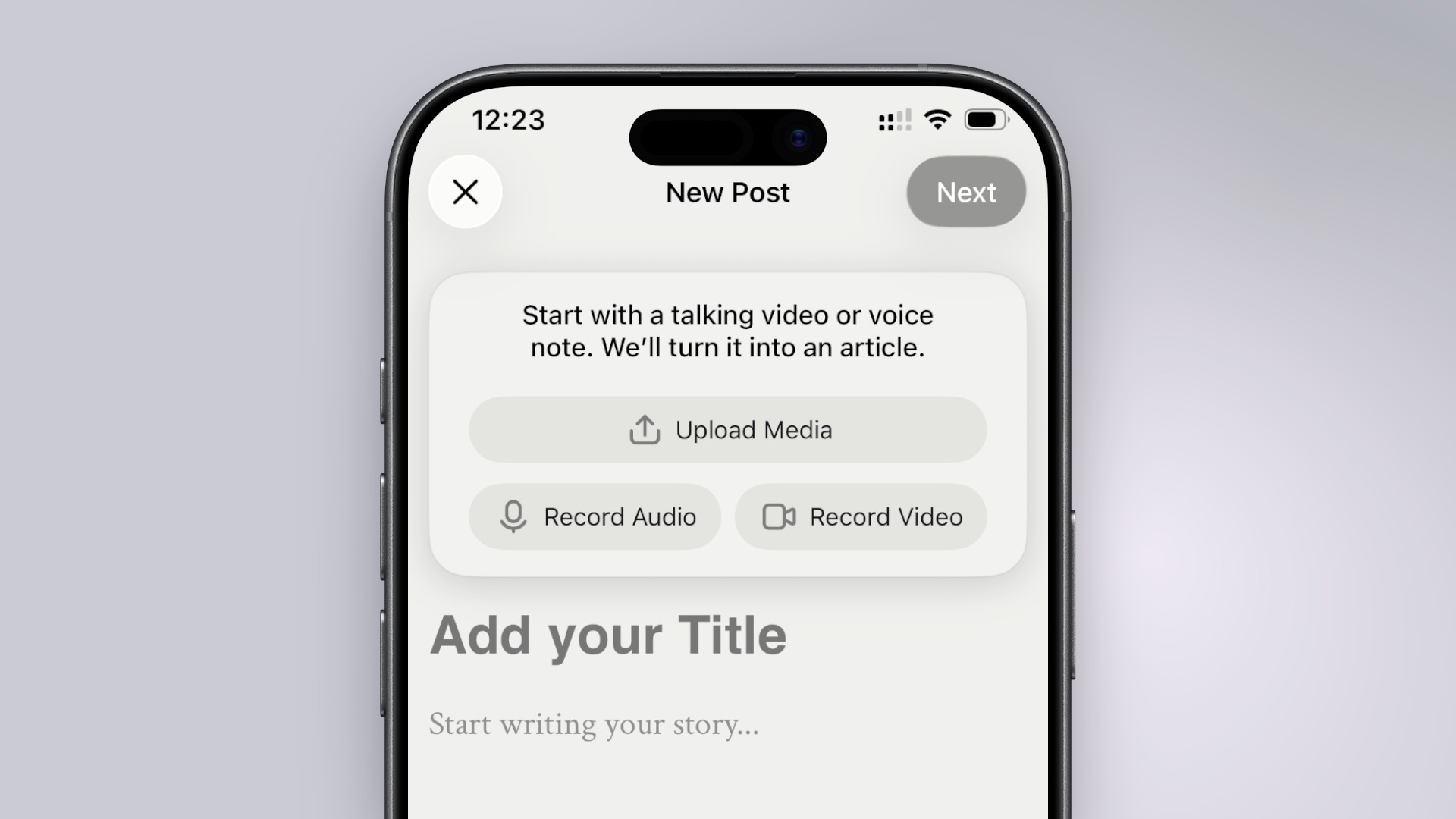
Subwave launches this week on iPhone, Android, and web. One recording becomes a newsletter, podcast, and social clips — and your subscribers stay yours.

Subwave's paid subscriptions let you mix public, free, and paid posts on the same channel, with a 10% platform fee and no monthly cost.
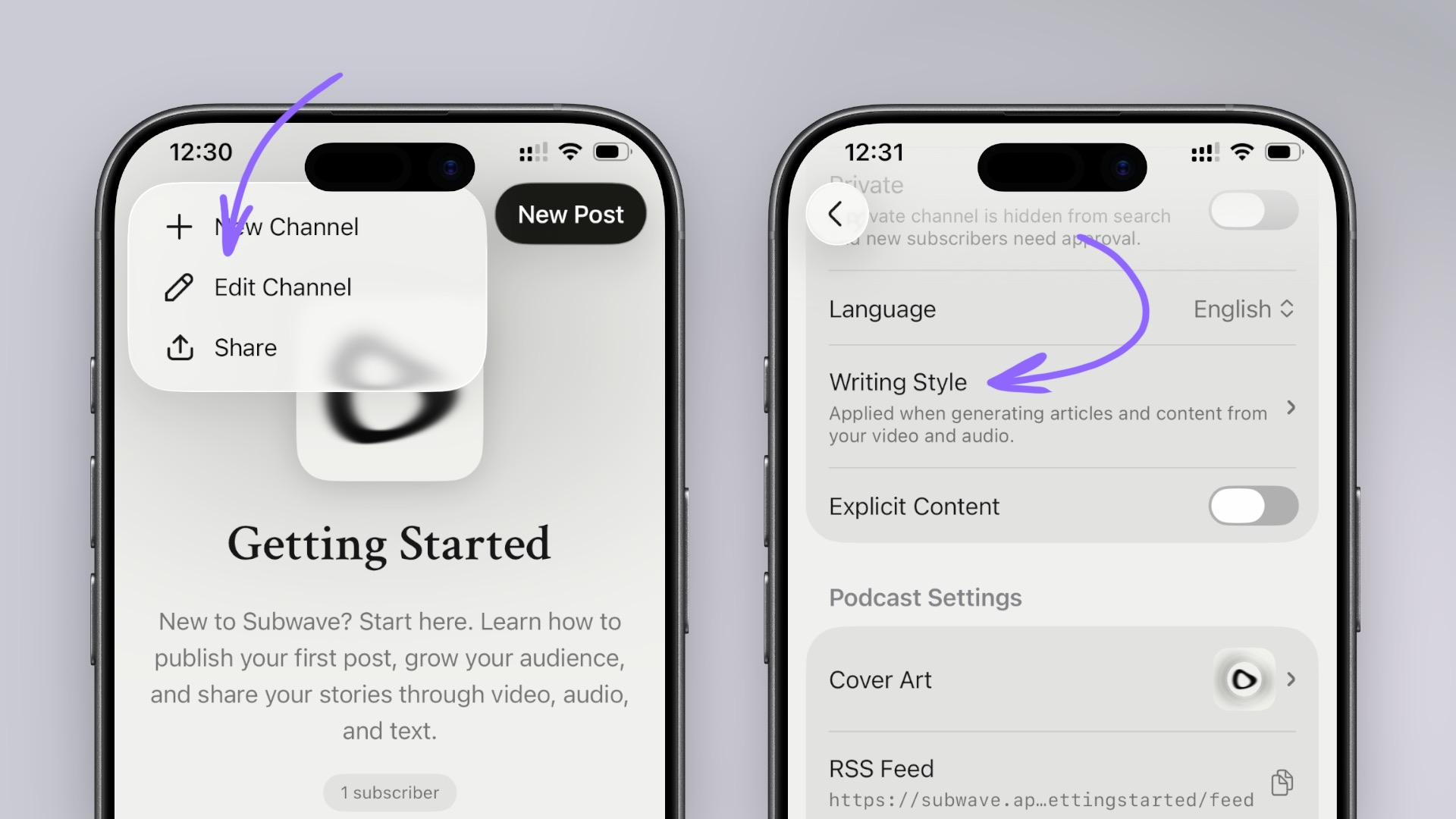
Subwave uses your writing style to shape every AI-generated article draft, so your posts sound like you wrote them.