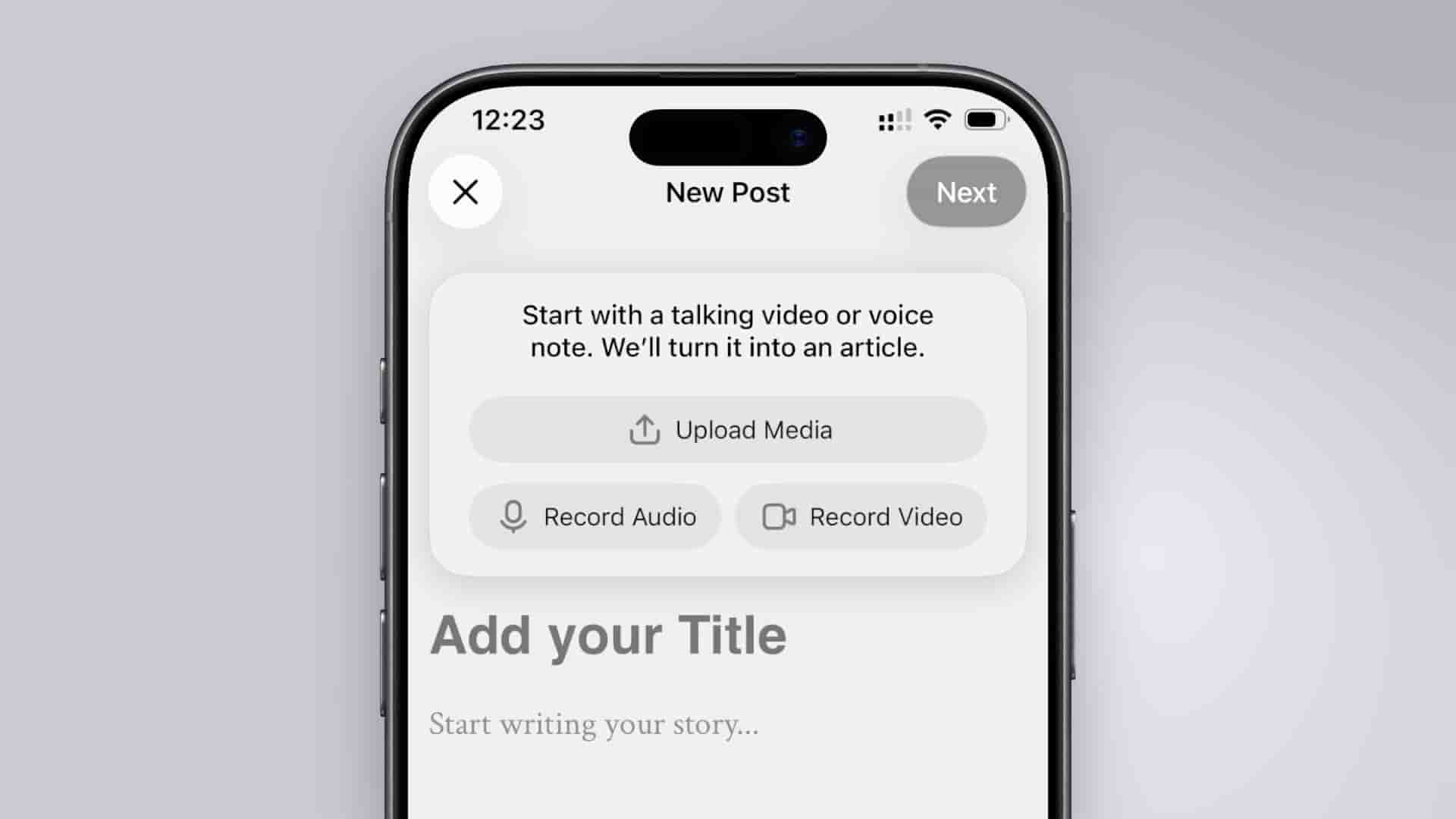
Subwave turns a voice memo or video into an article, newsletter, and clips automatically. Three ways to create, one publish button.
You record. You publish. Subwave handles everything in between. There are three ways to create a post — write it, say it, or record it on video — and all three automatically generate your newsletter, article, and short clips once you hit publish.
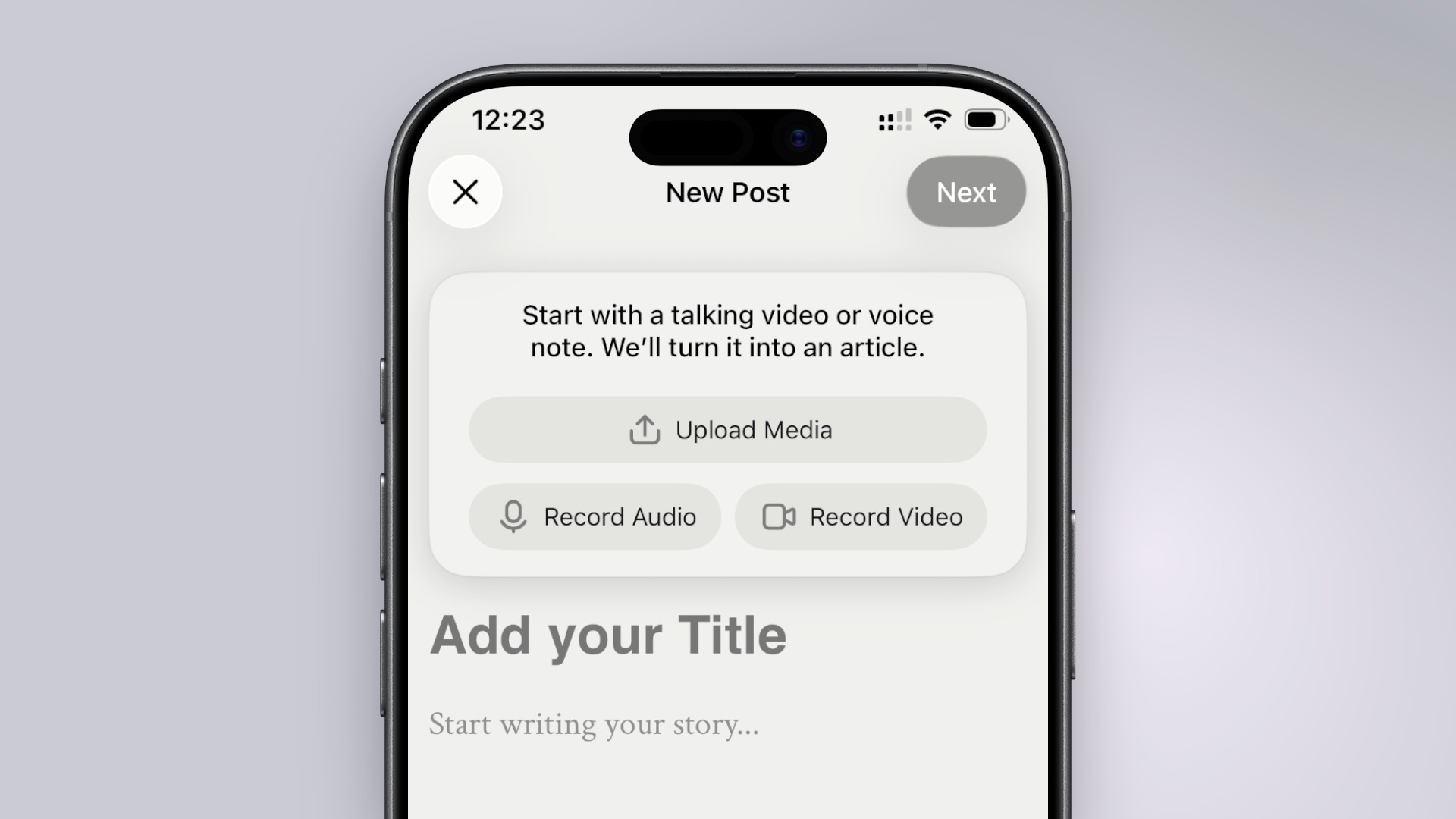
You can write your content directly in Subwave's editor. Add headings, images, quotes. It's a good option if writing is already your starting point and you don't have a recording to work from.
A voice memo is the quickest way to get something published. You record your thoughts out loud — in the app on iOS or by dropping an audio file on web — and Subwave takes it from there. It transcribes the recording and turns it into an article and newsletter automatically.
When you publish a video, Subwave turns it into an article, newsletter, short vertical clips, a YouTube description, podcast show notes, and an RSS feed — so you can distribute directly to Spotify, Apple Podcasts, and other podcast platforms.
You can bring in video a few ways: record directly in the app on iOS, drop a file on web, or record and edit in Detail first and then bring your finished video into Subwave. Detail is worth it if you want a polished result — teleprompter, multi-camera, AI auto-edit — before you export.
For voice and video posts, Subwave generates a draft article for you automatically. You'll find it in the article editor once processing is done.
From there you can:
Check out Create a custom writing style to learn more about how you can setup your writing style to shape how AI-generated content sounds.