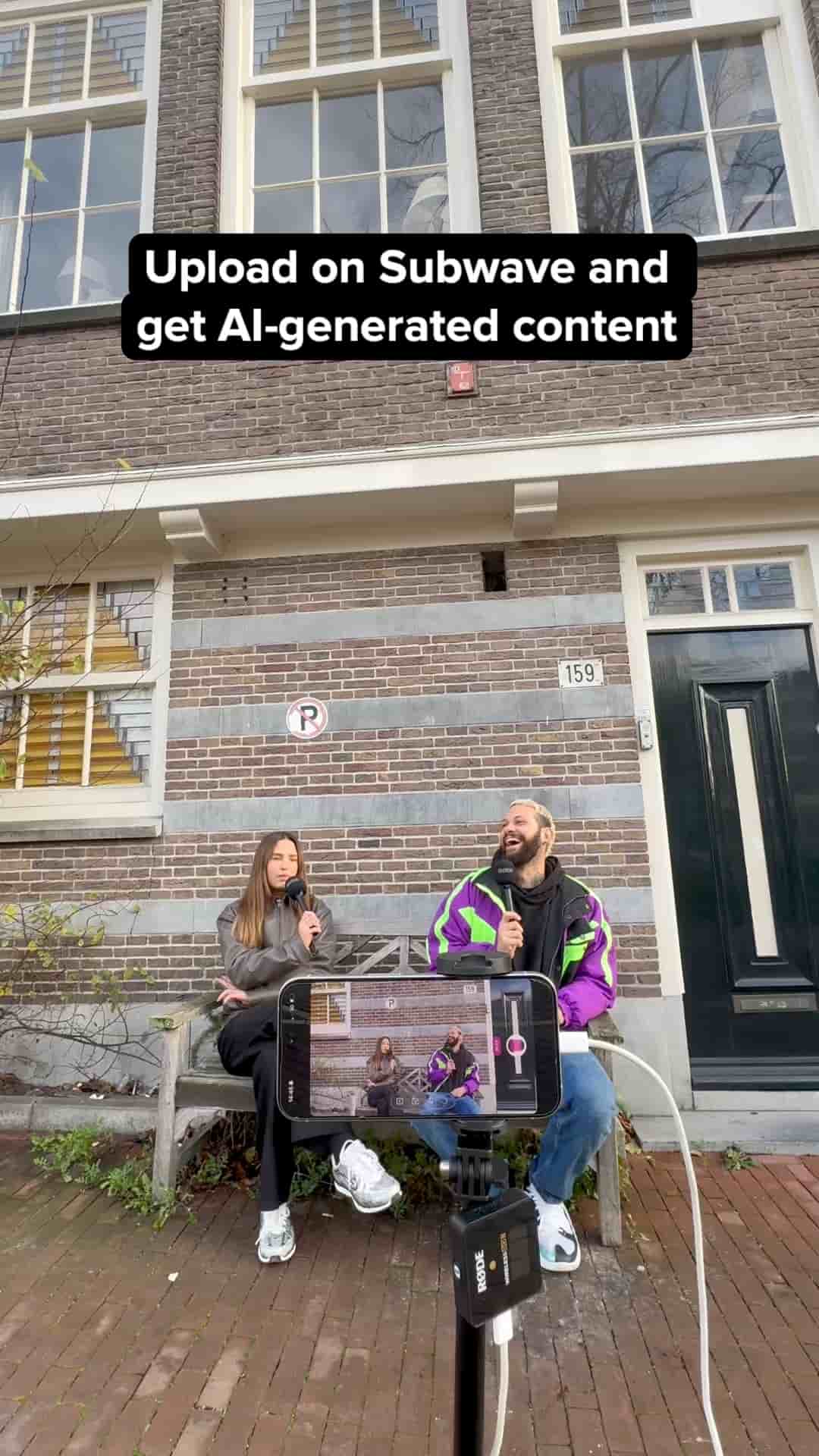
Subwave turns a single video, text, or voice memo upload into a full article, short clips, and a multi-format post — automatically, with no editing required.
Most creators spend more time packaging their content than actually making it. Record a video, then clip it, then write a caption, then draft the article, then format everything for three different platforms. Subwave collapses that entire chain into a single upload.
The idea is straightforward: you post once, and your audience picks how they want to consume it. Video, audio, or written. The platform handles the conversion automatically, so you're not choosing one format and leaving the others behind.
Upload once. Your audience gets video, audio, and written content — all from the same post.
When you create a new post on Subwave, you start with a video, a text file, or a voice memo. From there, the platform takes over. Within a few minutes, two things come back: a fully drafted article built from what you recorded, and a set of short clips broken out by topic, each one ready for TikTok, Instagram Reels, or YouTube Shorts.
Everything's created automatically. No editing, no writing, no extra tools needed.
The finished post holds all of it together in one place: the original video, the short clips, and the written piece. Subscribers can read, watch, or listen depending on what fits their moment.
Most content platforms force a choice. You publish a YouTube video and readers get nothing. You write a newsletter and viewers get nothing. Subwave bets that the same idea should be accessible in whatever form the audience shows up for, without the creator having to produce each version by hand.
"No editing, no writing, no extra tools needed." — Subwave
For creators who already record themselves talking through ideas, the lift is especially low. The recording becomes the source material, and everything else follows from it. The app is available on the App Store.