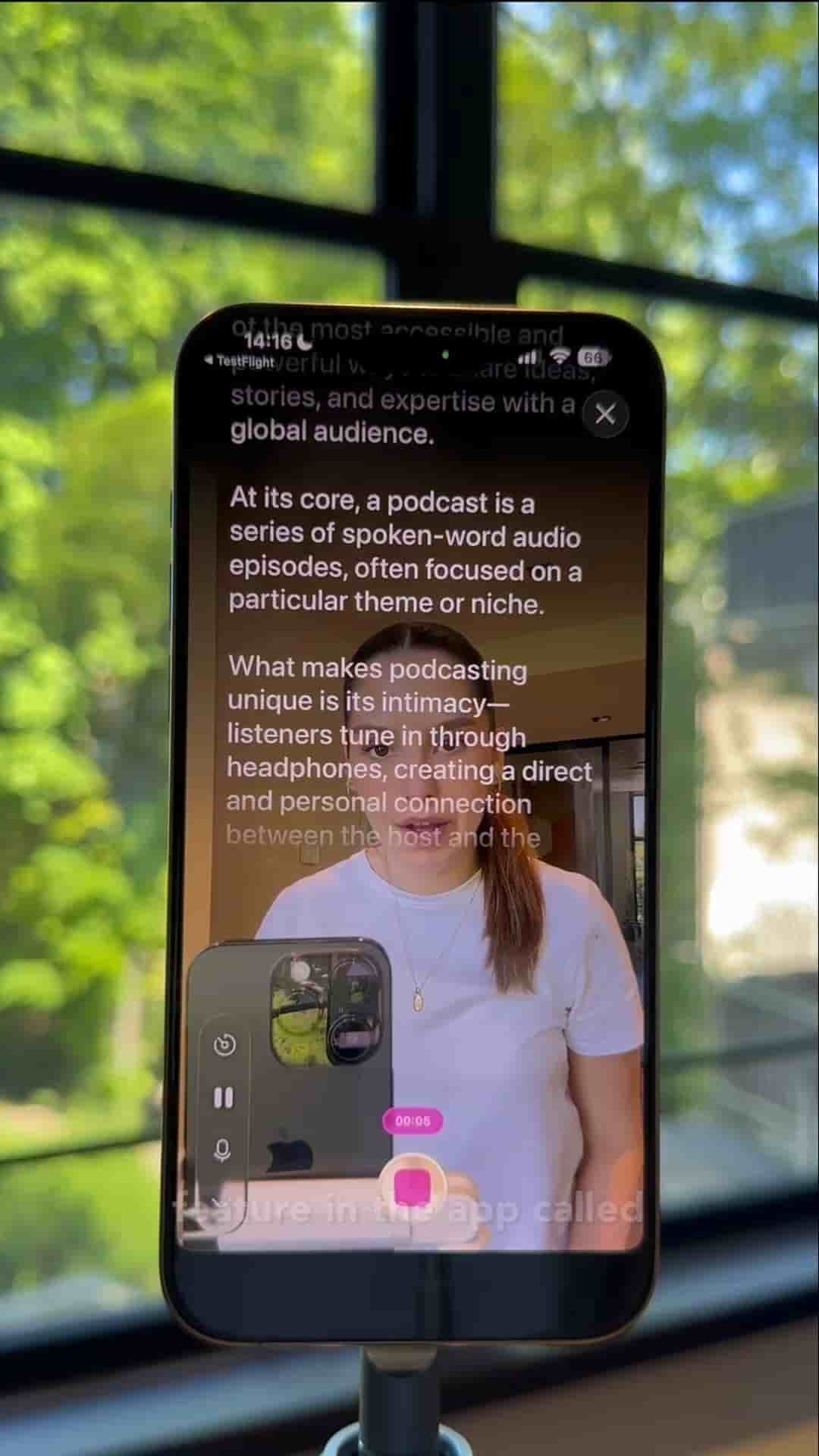
The Detail app lets you read a script and record video at the same time, with AI tools to shorten, expand, or reformat your script before filming.
Reading a script while recording yourself on your phone sounds like a recipe for stiff, robotic footage. Detail for iOS solves that by combining a teleprompter directly with your camera, so you can stay on script and still look natural on camera.
The workflow starts by tapping Record Script. From there, you have a few options: pull up topic ideas, generate a script with AI, or paste in text you already have.
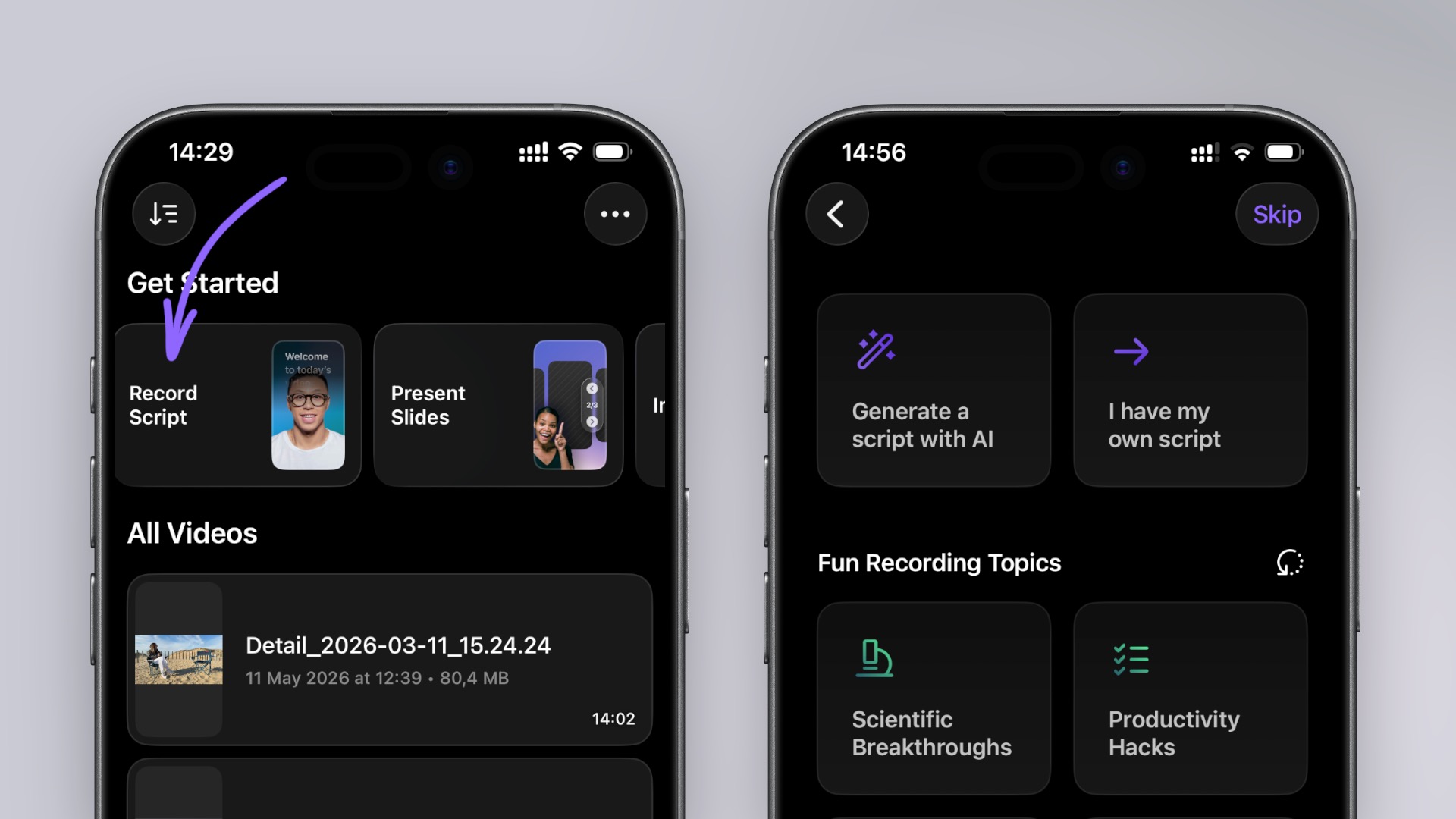
Once your script is loaded, a set of script tools lets you expand it, shorten it, add a hook, or clean up the formatting. Shortening the script is worth considering if you want a tighter, more concise video — the AI trims it down in a few seconds and optimizes it for filming.
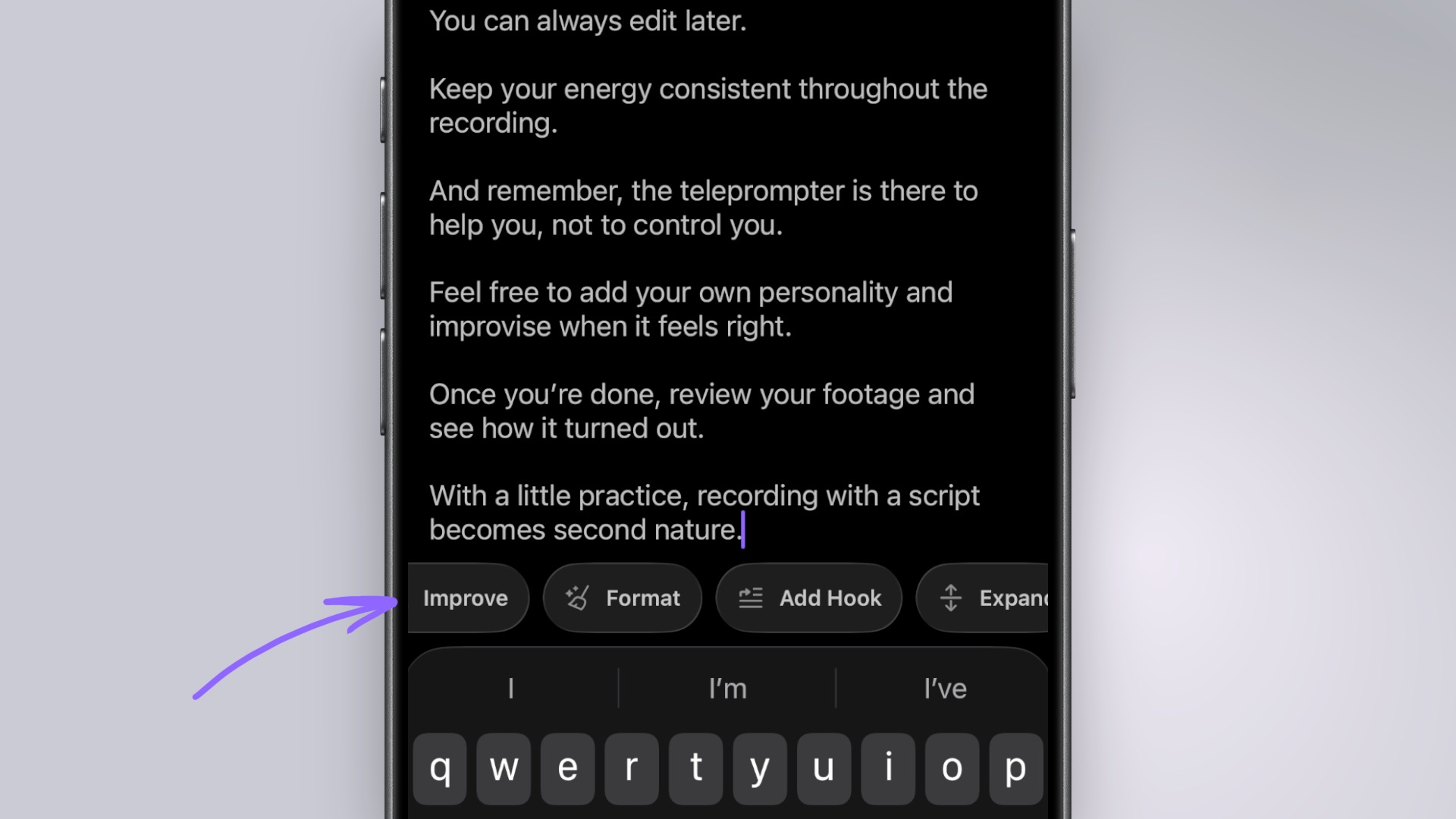
Paste your script, optimize it with AI, then record — all inside one app.
When you're ready, press record and your script scrolls as you film. No cutting between notes, no memorizing paragraphs, no awkward glances off-camera.