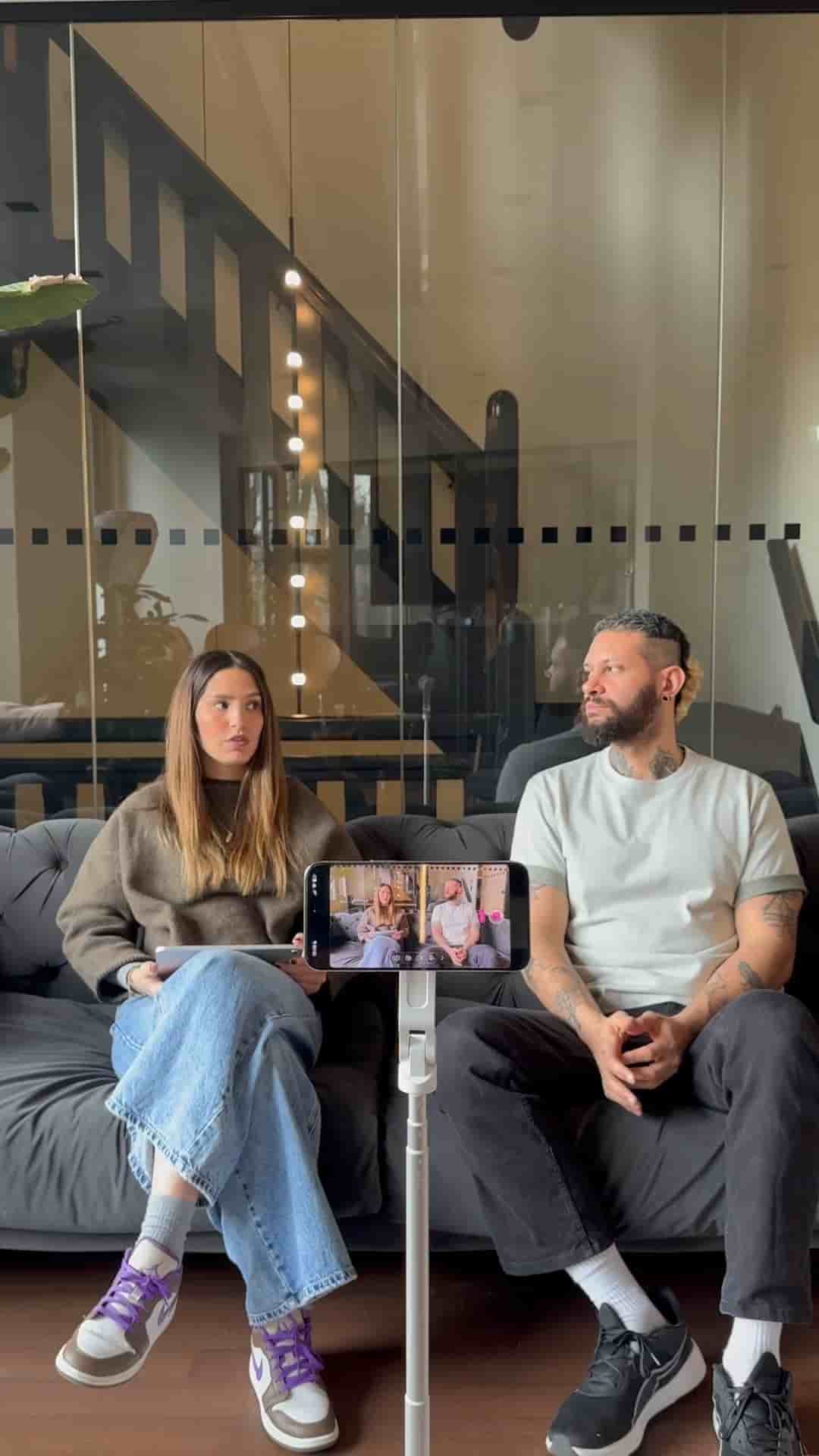
Detail's multi-device feature lets you use an iPad as a live monitor while filming on your phone, with a simple two-device project setup.
Filming solo is always a guessing game when it comes to framing. You hit record, move around, and hope you stayed in the shot. Detail solves this with a feature that turns your iPad into a live monitor while you film on your iPhone.
The setup takes about a minute. Open a new project on both devices, tap the three dots in the top right corner on each, and connect them together.
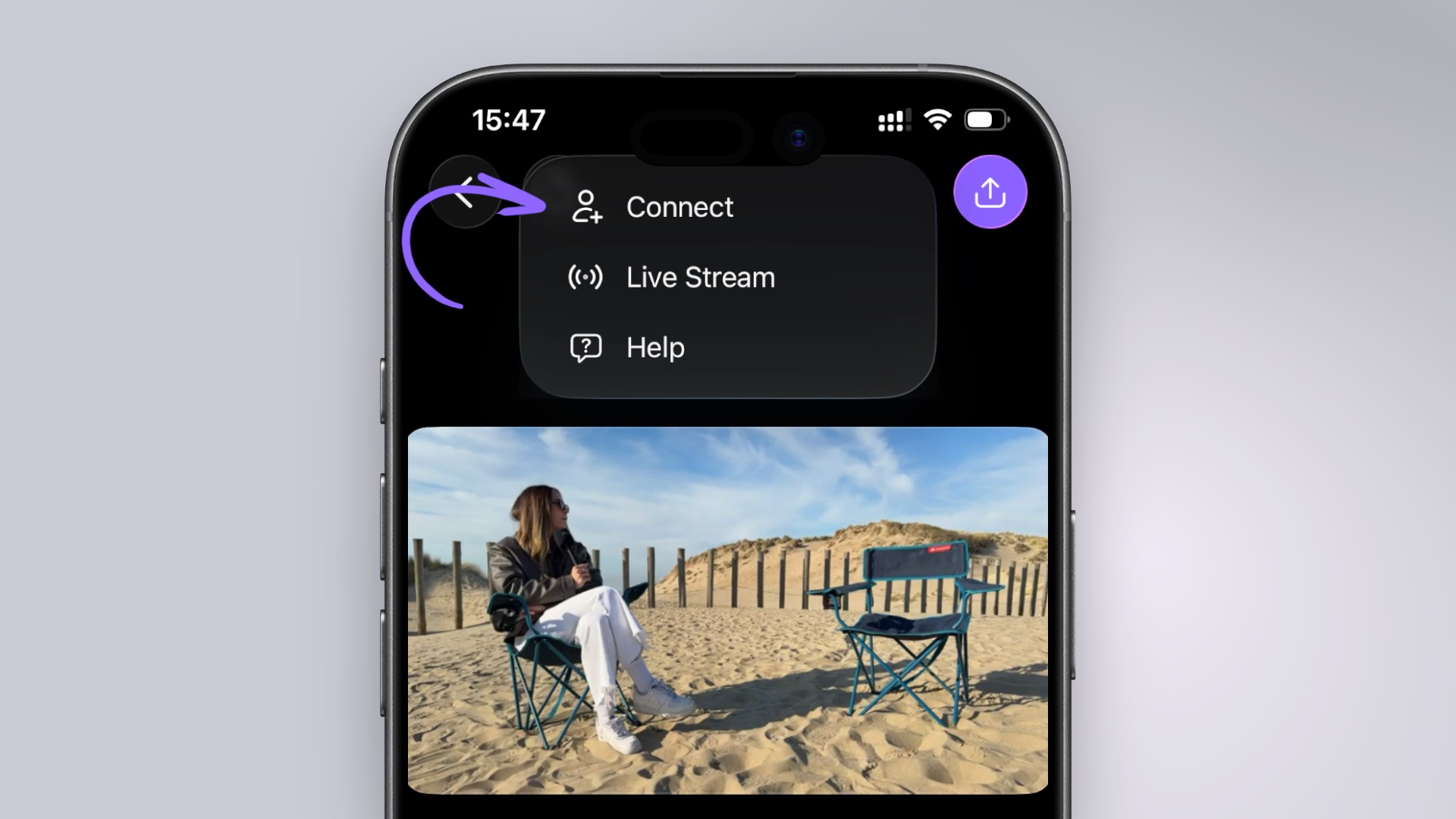
Once they're linked, flip to the camera view and choose a single layout for your recording setup on your phone. Mirror those steps on the iPad, then swap the sources so the iPad displays your phone's camera feed instead of its own.
Your iPad becomes a live monitor showing exactly what your phone camera sees, in real time.
From there, press record on your phone and shoot normally. The iPad sits wherever you need it, showing you a live view of the frame the whole time. No more guessing whether you drifted out of shot or whether the angle is working.
It's a genuinely useful setup for anyone filming talking-head videos, tutorials, or anything where framing and composition matter.