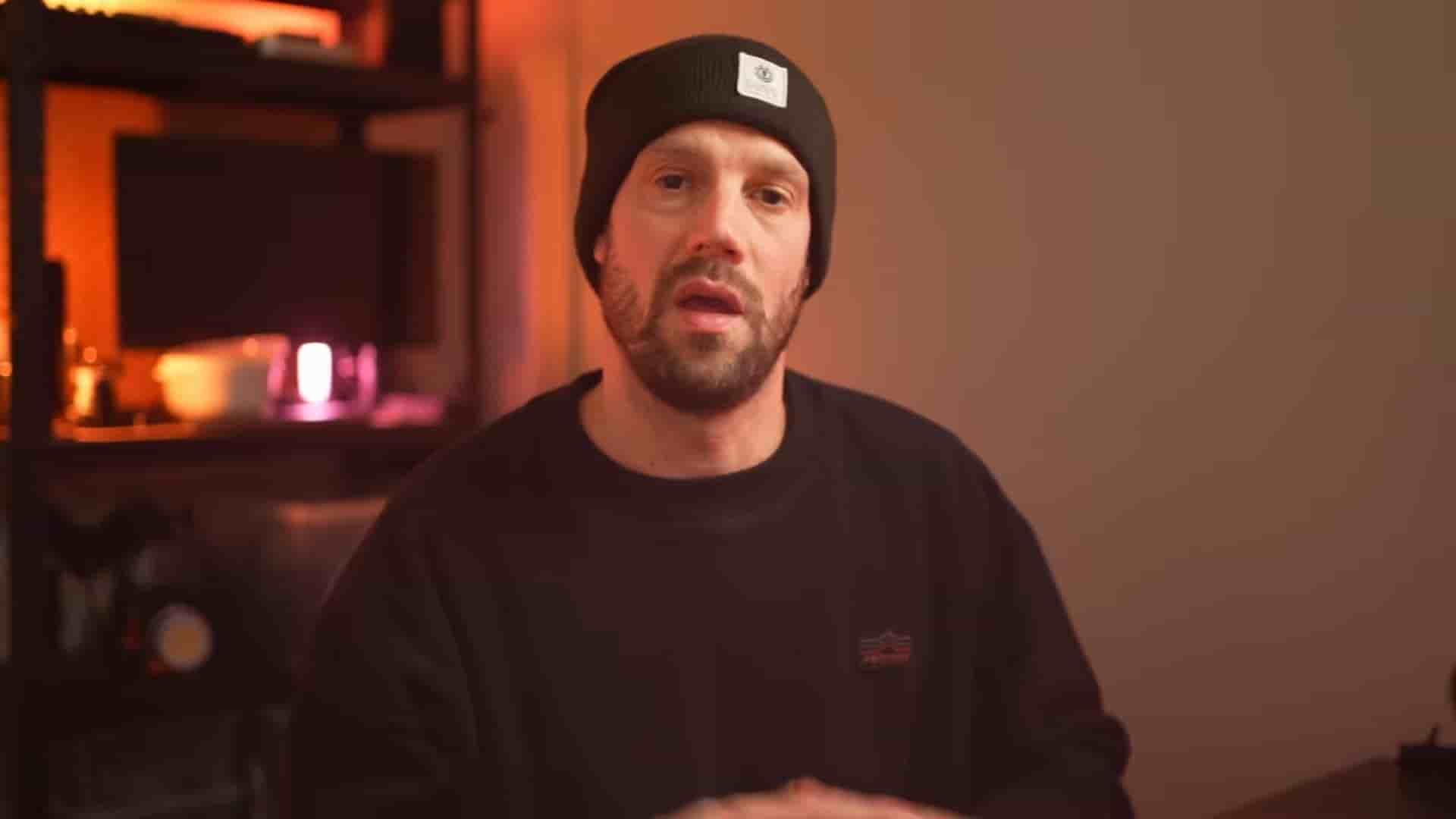
Discover six practical tips to speed up your video creation process, from built-in teleprompters to AI-powered editing tools.
If you're a coach, course creator, or any kind of expert sharing your knowledge via video content, the production process can feel like a massive time sink. Between scripting, filming, editing, and publishing, what should be a quick video can turn into hours of work. But it doesn't have to be that way.
Here are six practical tips that will drastically speed up your video creation process without sacrificing quality.
You can spend hours on take after take, trying to remember your script, memorizing your lines, and editing out your mistakes. Or you can copy paste your script into Descript's built-in teleprompter and literally read while you're recording.
If you don't have a script ready, the AI tool can help you write one. Just type in some words and hit the AI magic wand. The scrolling speed of your text can be slowed down, paused, or sped up, so you can record your video at a steady pace with ease. No more fumbling over lines or wasting time on endless retakes.
Instead of spending hours and thousands of dollars on how you look on camera, you can simply turn on portrait mode while recording. Slide down to the iOS control center and turn on portrait mode, use the slider, and you'll see the difference instantly.
This simple trick gives you that professional depth-of-field look without any special equipment or post-production work.
Is your background still a bit messy while recording? No worries, there's an easy fix in the tool. When your recording is done, you can change your layout to a virtual background which will mask you instantly.
Don't have any inspiration? You can also use the all new image playground to generate the perfect backdrop for you. It's a simple way to maintain a professional appearance without having to clean your entire office before every recording session.
Are you still manually adding subtitles to your video? Let's change that. In Descript, you can tap one button to instantly add captions.
You can add captions to your videos recorded in Descript, but you can also import any video from your camera roll or import from the web using the URL importer.
You can edit the captions, move them around, or change the font and style. With this feature, you can also add captions to previously made videos without captions. It's free, it's fast, and you're welcome.
After your recording is done, you need to edit. And editing is a daunting task that not everyone loves, so why not use AI to edit for you?
Hit the transcribe button and depending on the length of your video, this will take a few seconds to generate. From here, you can manually select and swipe out stuff you don't want, or you hit the clean cut to edit out all silences, or hit the summary for AI-assisted edit.
This means you can skip the tedious process of combing through footage and let the AI do the heavy lifting for you.
When your video is done, tap the export button and choose get a shareable link. This will save your video to your own Descript account, and from here, you can share it to the world.
No more exporting, uploading, and waiting. You can go from finished edit to published content in seconds.
There you have it. Six time-saving tips for creating talking head videos for YouTube, Instagram, TikTok, you name it. These tools and techniques can transform your video production workflow from a multi-hour ordeal into a streamlined process that lets you focus on what really matters: your content and your audience.
Stop wasting time on the technical details and start creating more of the content your audience wants to see.