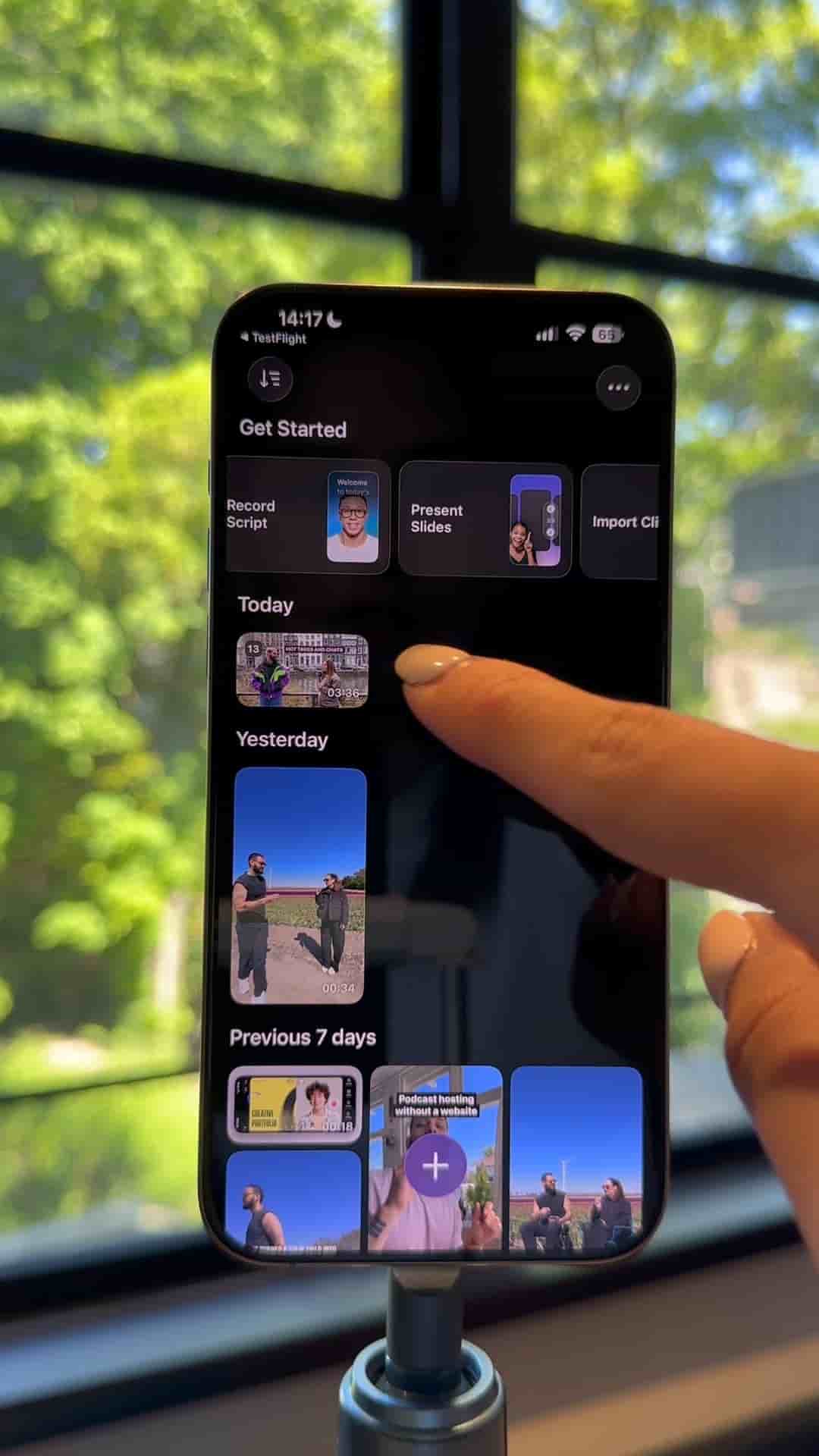
Detail's Present Slides preset lets you record a polished presentation video on your phone in minutes, with slide controls built right in.
Recording a presentation video on your phone used to mean awkward screen recordings or clunky workarounds. With Detail's Present Slides preset, the whole process takes a few taps.
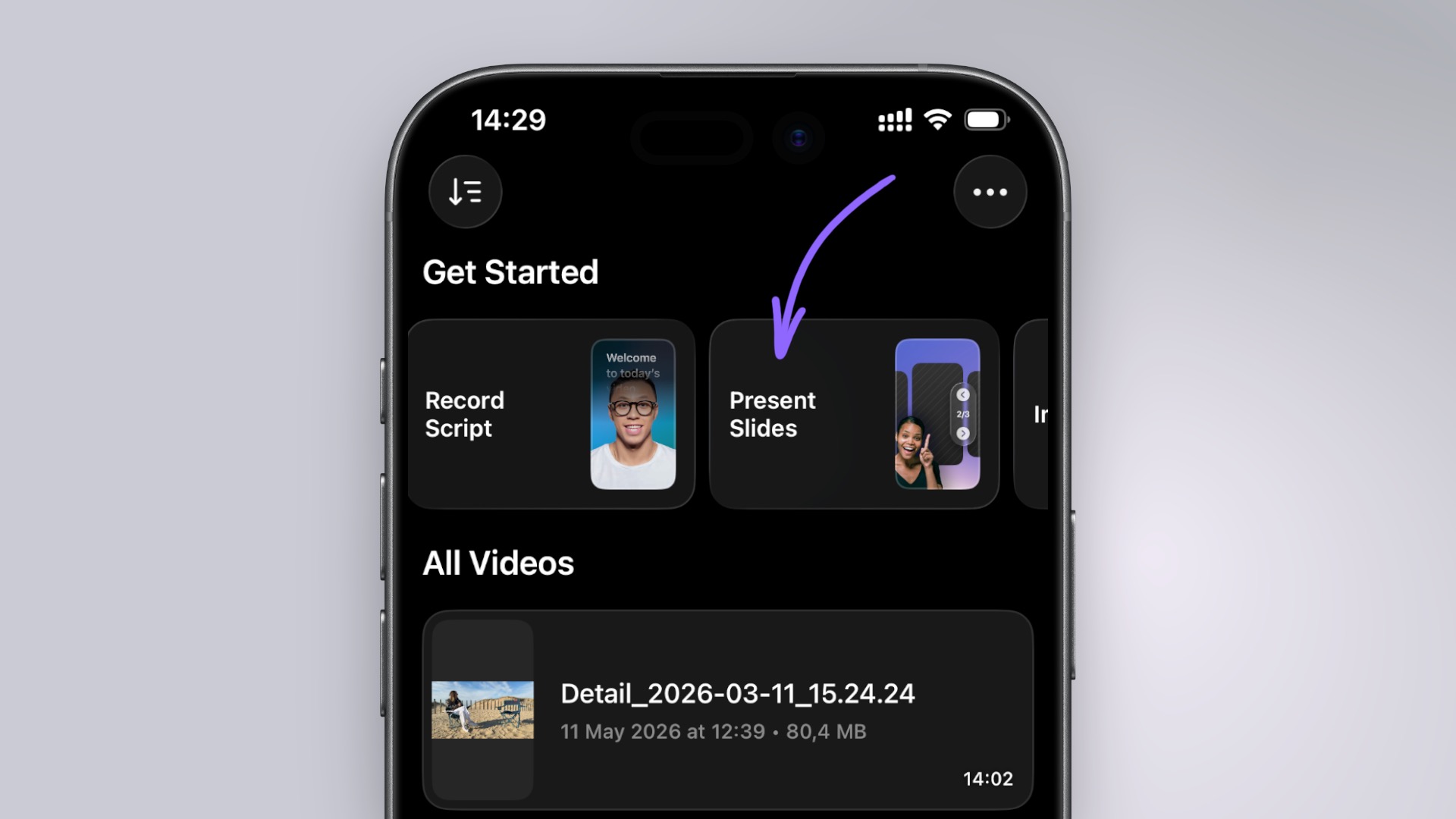
Start by opening the app and tapping the Present Slides preset at the top. From there, you can import your slides directly from your photos or pull in a PowerPoint in PDF from your files. Once your slides are loaded, you choose a layout for how your camera feed and slides will appear together on screen.
Pick the layout that fits your teaching video or presentation style.
The circle layout works well for a clean, focused look, but several options are available depending on whether you want a more prominent presenter view or a slide-forward format.
Once your layout is set, press record and start presenting. When you're ready to move to the next slide, just tap the arrows at the top of the screen.
The result is a finished presentation video you can post or send immediately, with your slides and your face composed together in a single take.