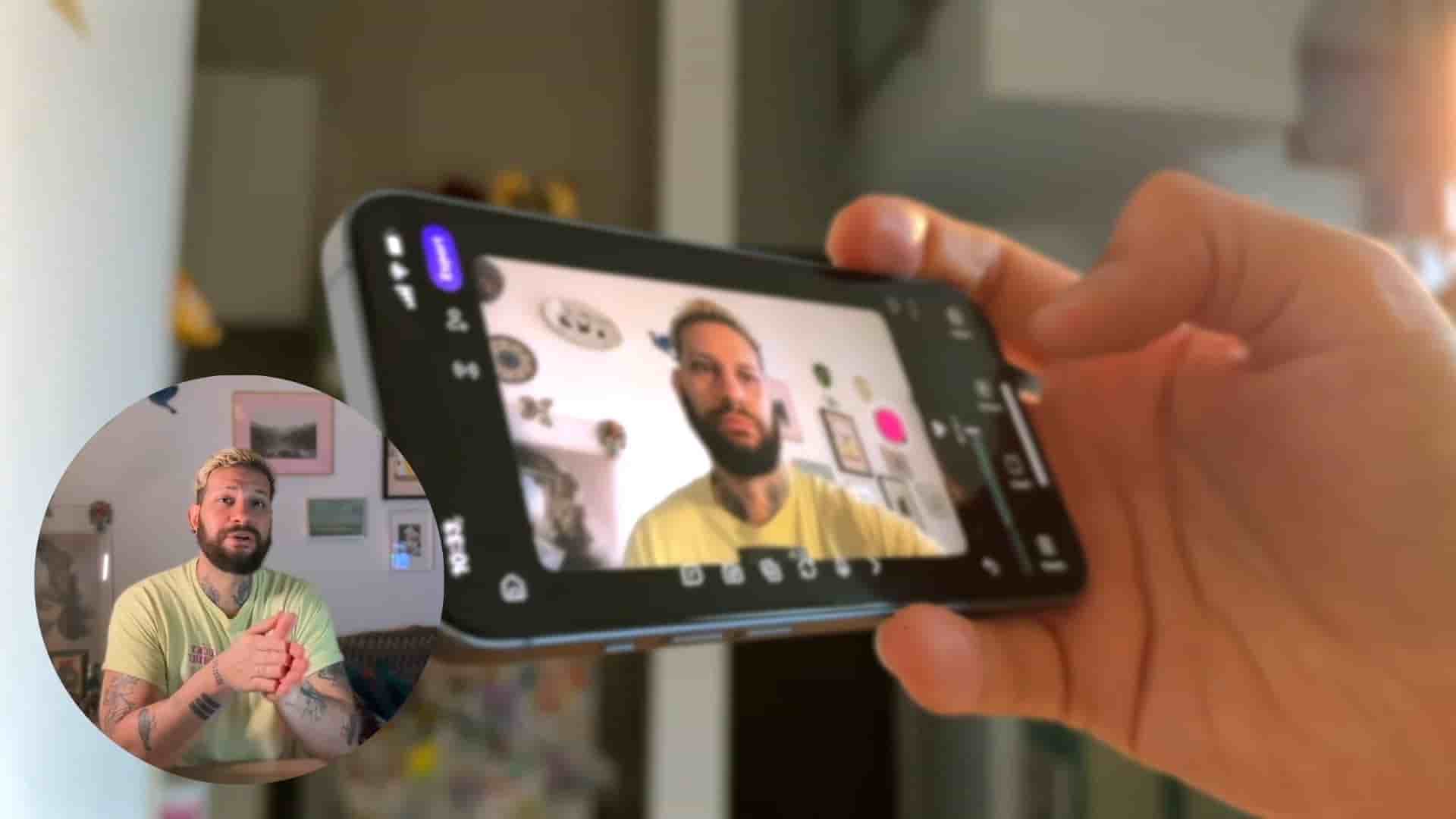
Learn how to combine multiple YouTube videos and add your own reaction using just your phone and one simple app.
In this tutorial, we'll walk you through a surprisingly simple process for merging multiple YouTube videos into one cohesive project, right from your phone. Whether you're creating reaction videos, mashups, or highlight reels, this workflow eliminates the need for desktop software or complicated editing tools.
The first step is downloading Detail on your phone. This becomes your all-in-one workspace for the entire project. No need to juggle multiple apps or export files between platforms.
Once you have the app ready, the importing process is straightforward. Open YouTube and copy the link of any of your videos you want to include in your merge. Back in Detail, start a new project, tap Import, then select Import from URL. Paste the YouTube link, and the video instantly appears in your project timeline.
The beauty of this workflow is that you can repeat the process for as many videos as you want. There's no arbitrary limit to how many sources you can pull from, which opens up creative possibilities for longer compilations or multi-source projects.
After importing your videos, Detail gives you basic editing capabilities that make the difference between a simple concatenation and an actual story. You can trim clips to keep only the best parts, cutting out intros, outros, or any segments that don't serve your final vision.
Rearranging clips is equally simple. The interface allows you to reorder your imported videos to create the narrative flow you want, whether that's building to a climax, showing contrasts, or organizing content thematically.
Whether you're making a reaction video, a mashup, or a highlight reel, this is the easiest way to do it.
One of the standout features is the ability to stitch yourself into the video. By tapping the camera button within Detail, you can record your own reaction footage and seamlessly add it to the merged content. This transforms a simple compilation into original commentary, which is particularly valuable for creators building their own voice and presence.
This stitching capability means you can create reaction videos without needing separate recording equipment or a second editing pass. Everything happens in one place, in one workflow.
The traditional approach to merging YouTube videos involved downloading content to a computer, importing into editing software, rendering, and then transferring back to your phone for upload. This mobile-first workflow collapses all those steps into a single, streamlined process.
For creators who work primarily from their phones, or anyone who wants to create content quickly without a full desktop setup, this represents a significant shift in accessibility. The barrier to entry for creating reaction videos, mashups, and compilations drops dramatically when the entire process fits in your pocket.
The approach works for multiple content types. Reaction videos, where you respond to existing content, become trivially easy to produce. Mashups that combine multiple sources into thematic collections require only a few taps and some thoughtful arrangement. Highlight reels that pull the best moments from longer content can be assembled quickly without scrubbing through footage on a computer.
For anyone looking to experiment with these formats or streamline their existing workflow, the single-app approach removes most of the technical friction that keeps people from trying. The result is more time spent on creative decisions and less time wrestling with file formats and app compatibility.