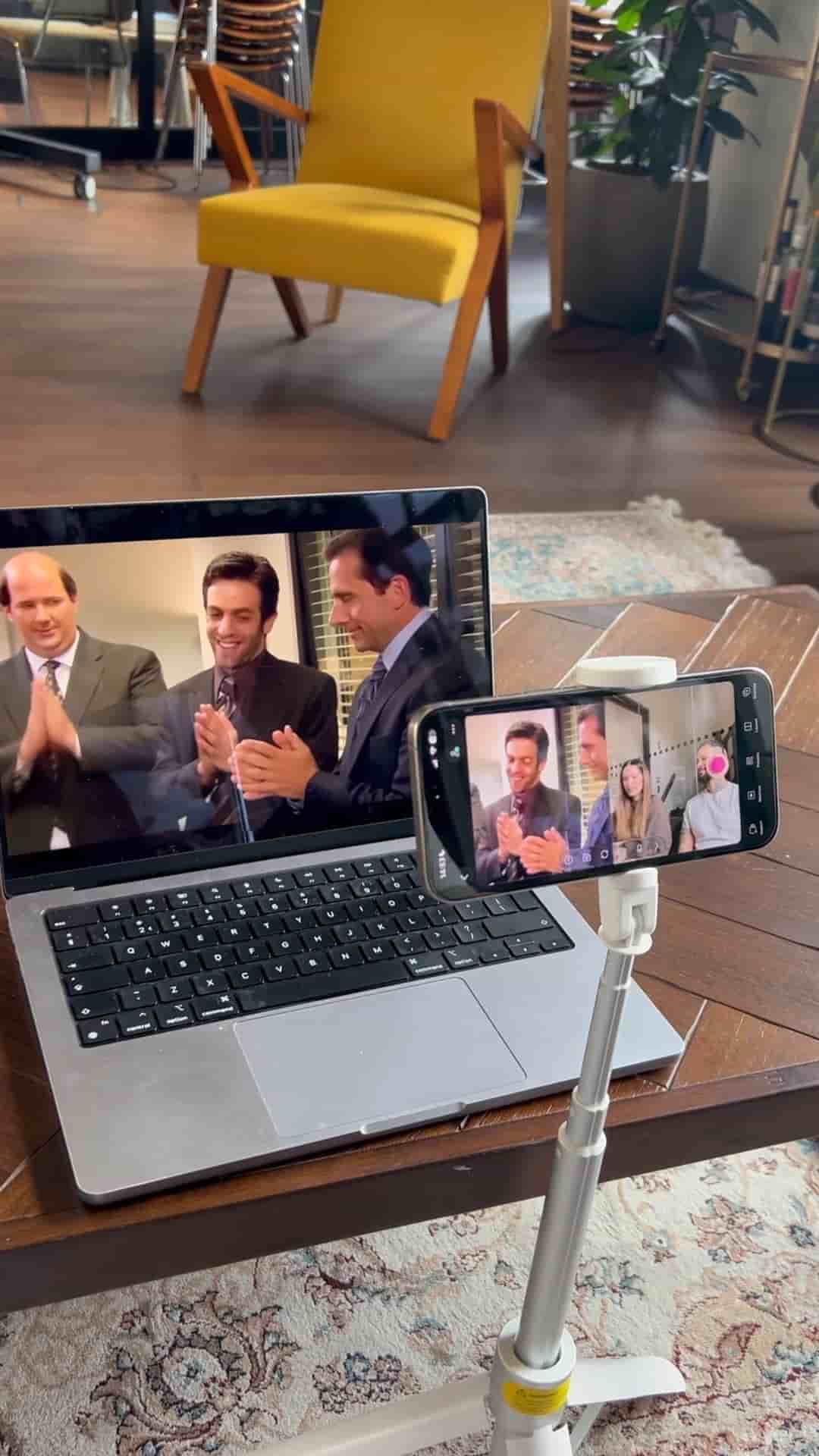
No complex gear required. Here's a simple two-phone setup for filming reaction videos with a guest, using the Detail app.
Reaction videos don't require a complex studio setup. With two phones and the right app, you can capture both the content you're reacting to and the reactions themselves in one clean, synchronized shot.
The app that makes this possible is Detail, available on the App Store. The setup takes about thirty seconds.
On both phones, tap the three dots in the top right corner and press Connect. The two devices will automatically pair with each other, no fiddling required.
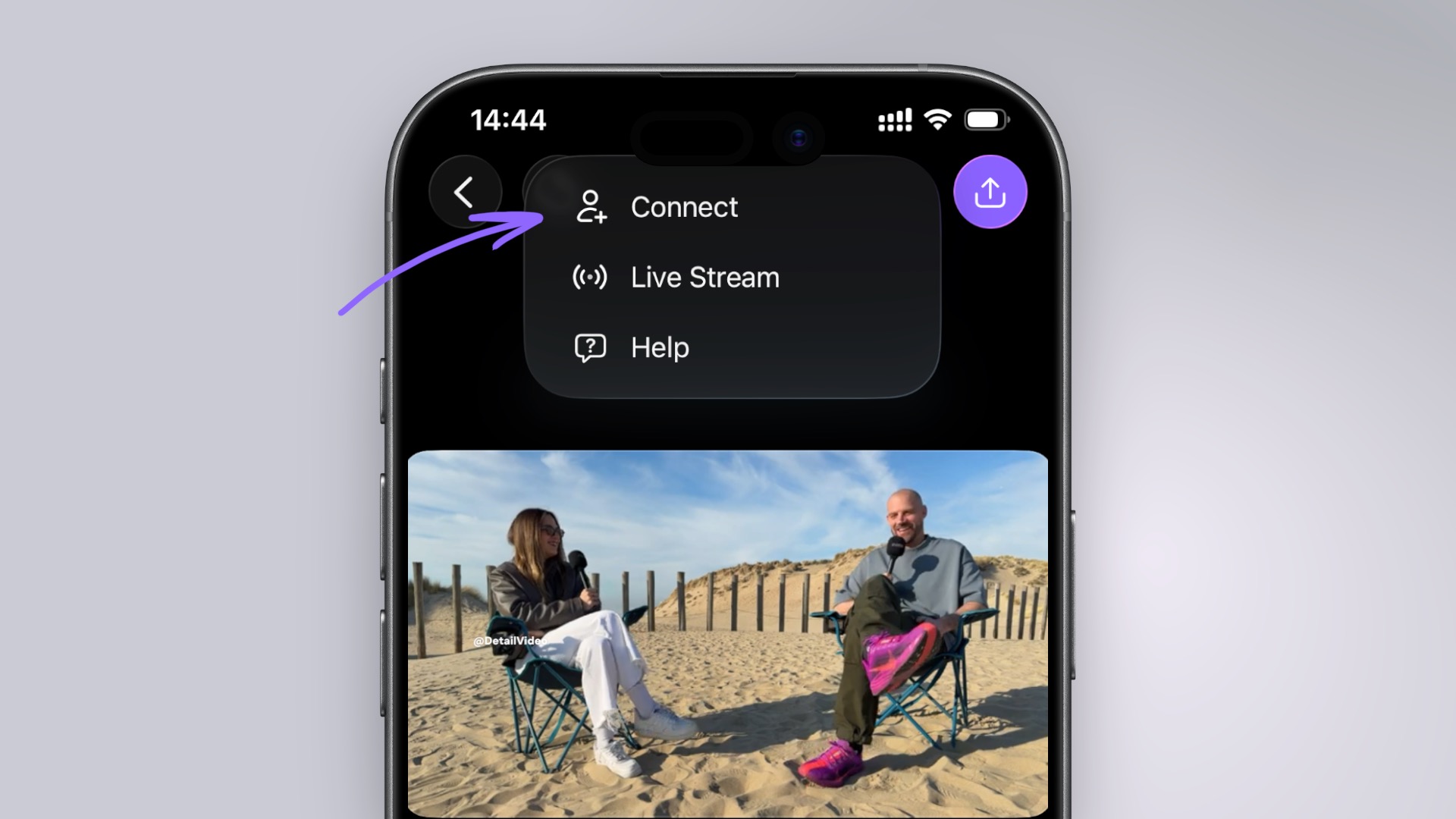
Two phones. One tap to connect. No complex setup needed.
Once connected, dedicate one device to framing the video you're reacting to, and use the other to record you and your guest watching it. This division of labor is what makes the format work: one phone handles the source content, the other captures the human reaction happening in real time.
You capture both the reaction and the content you're reacting to.
The end result is a picture-in-picture style video that puts the reaction and the original content on screen together, exactly what audiences expect from the format, without requiring any external cameras, cables, or editing gymnastics to sync the footage afterward.
If you've been putting off filming reaction content because the setup felt like too much work, this is the reason to stop waiting. Two phones, one app, and you're rolling.