Detail's new edits feature lets you create multiple video versions within one project, keeping your original timeline safe while you experiment freely.
If you're constantly drowning in messy project timelines and duplicated files, Detail just solved that problem. Their new edits feature creates separate timelines inside the same project, so you can work on different versions of your video without ever touching your original.
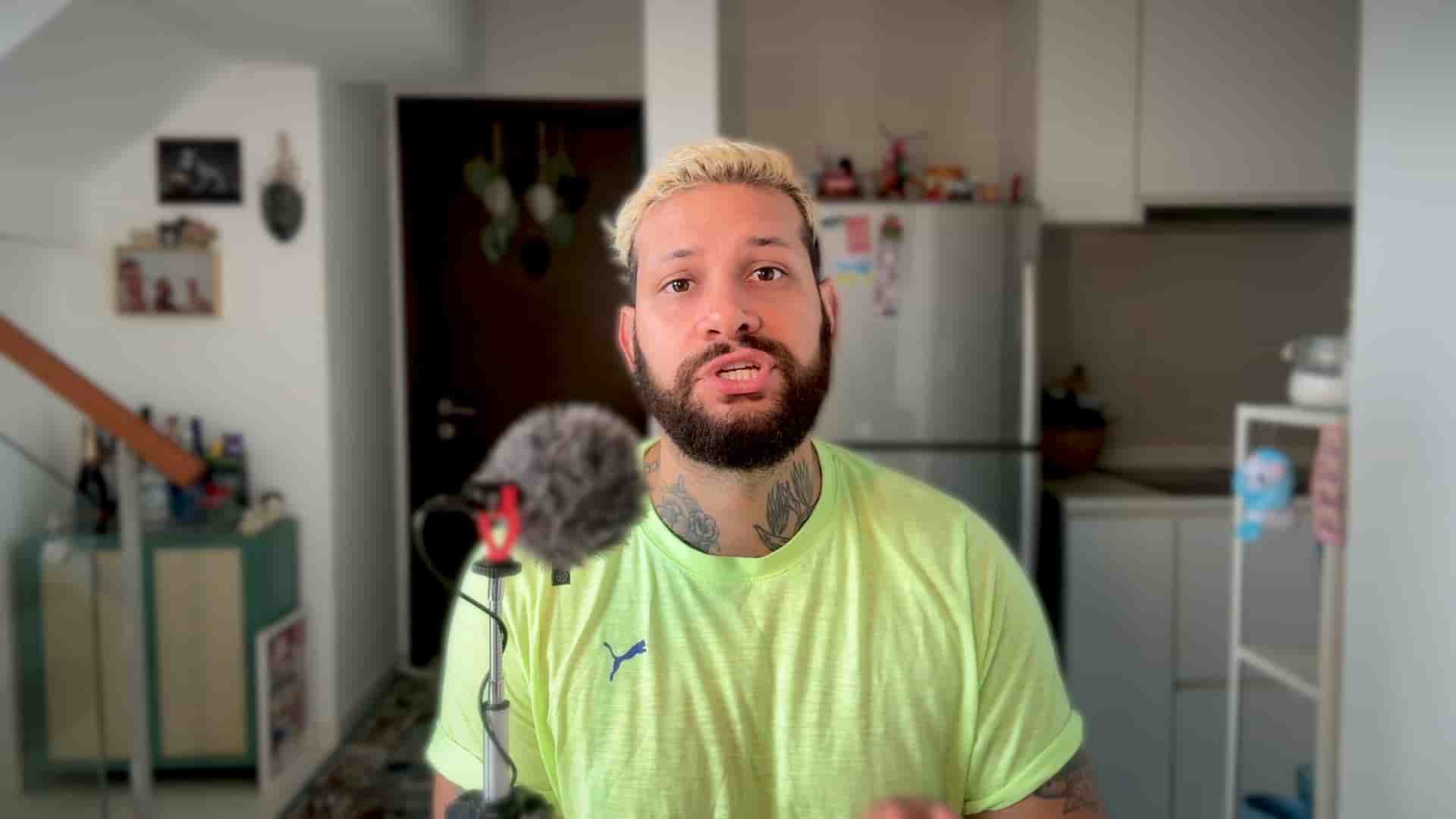
I'm Diego from Detail, and I want to walk you through one of my favorite new features. This is genuinely a game changer for how you organize and experiment with your video content.
Inside your project, you'll see the edit icon on the top left corner of your screen. When you tap it after recording a video, you get two powerful options.
Option one is start a new edit. This keeps your current timeline exactly as is and creates a new version. You don't need to duplicate your entire project anymore. Just name the new edit and start working. You can tweak things, add overlays, train your ideas, all while your original stays completely untouched.
Option two is auto edit, and this one is absolute magic. You tap auto edit and Detail will instantly create a couple of long form versions like full podcast edits, plus multiple short clips with captions ready to post.
Every single one of these clips lives inside edits as its own timeline. So you can jump in, make changes and your original stays safe.
Want to try a different version of a short clip? Tap into the timeline, hit edits, choose new edit, give it a new name, and now you have a duplicate to play with. You can test new cuts, captions or b-roll without affecting your first version.
Managing your edits is simple too. To delete an edit, just swipe left and tap delete. Or hit the three dots for more options, like rename.
Here's another thing you'll notice: that number you see? That's your video score. It gives you a quick idea of how your clip might perform based on the content. The higher the score, the more likely it is to do well online.
Edits keeps your project clean, lets you experiment freely, and saves you from losing work you want to keep. No more cluttered project folders. No more anxiety about overwriting something important. Just clean, organized experimentation within a single project.
Go ahead and try edits inside Detail. It's designed for creators who want to move fast without creating chaos.