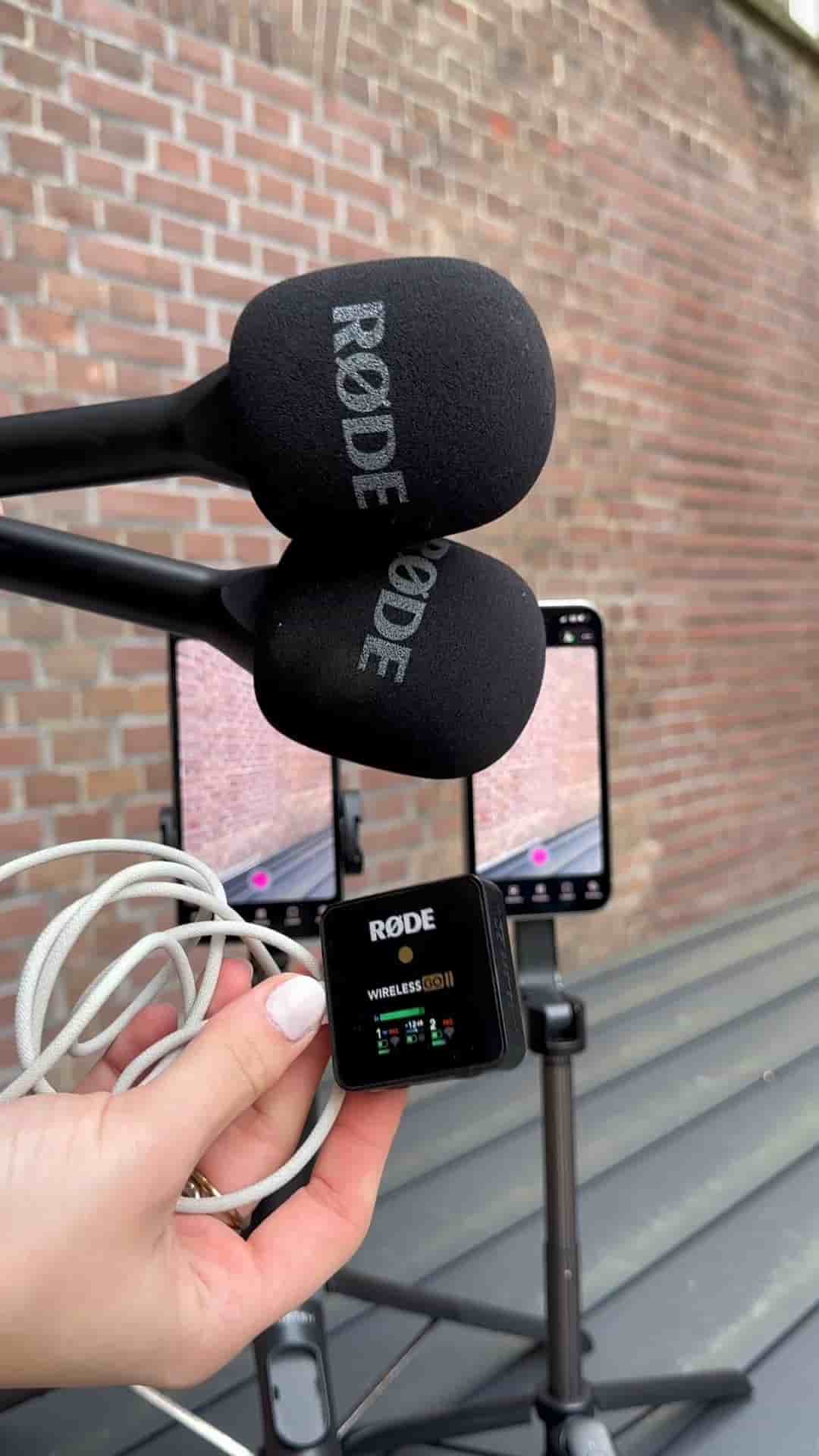
Two iPhones and the Detail app are all you need to record a split-screen podcast video. Here's the full setup in under a minute.
Recording a podcast video with two iPhones is simpler than most people assume, and the Detail app handles the heavy lifting of linking both devices together.
Start by opening a new project on both phones. On each device, tap the three dots in the top right corner and select Connect. Detail automatically pairs the two phones, so there's no manual syncing or fussing with cables.
Once they're linked, tap Layout, choose the single layout, and swap the sources on the left side. Repeat those same steps on the second device so both cameras are framed and oriented correctly.
Connect both phones through Detail, choose your layout, swap sources, then you're ready to record.
With the app configured, connect your microphones. A wireless setup like the Røde Wireless GO 2 works well here since it keeps things clean without running cables between hosts. After that, adjust your tripods, finalize your framing, and hit record.
The final result is a properly framed, dual-camera podcast video shot entirely on two iPhones, edited and recorded in one place inside Detail.