Detail is an iOS app for recording multi-camera video that auto-edits and exports directly to Subwave. A quick hands-on look at how the workflow actually holds up.
Detail is one of those apps I keep meaning to build into my routine and then promptly forget about. So I decided to actually sit down and test the full workflow, start to finish, and see if it holds up the way I think it does.
The core idea is straightforward: Detail is an iOS app for recording video of yourself, and it goes well beyond the basic camera. You can record front and back cameras simultaneously, bring in other people on their own iPhones or iPads, and use it for podcast interviews whether everyone's in the same room or connecting remotely. The app handles the multi-angle cutting automatically, which removes a surprising amount of the usual post-production friction.
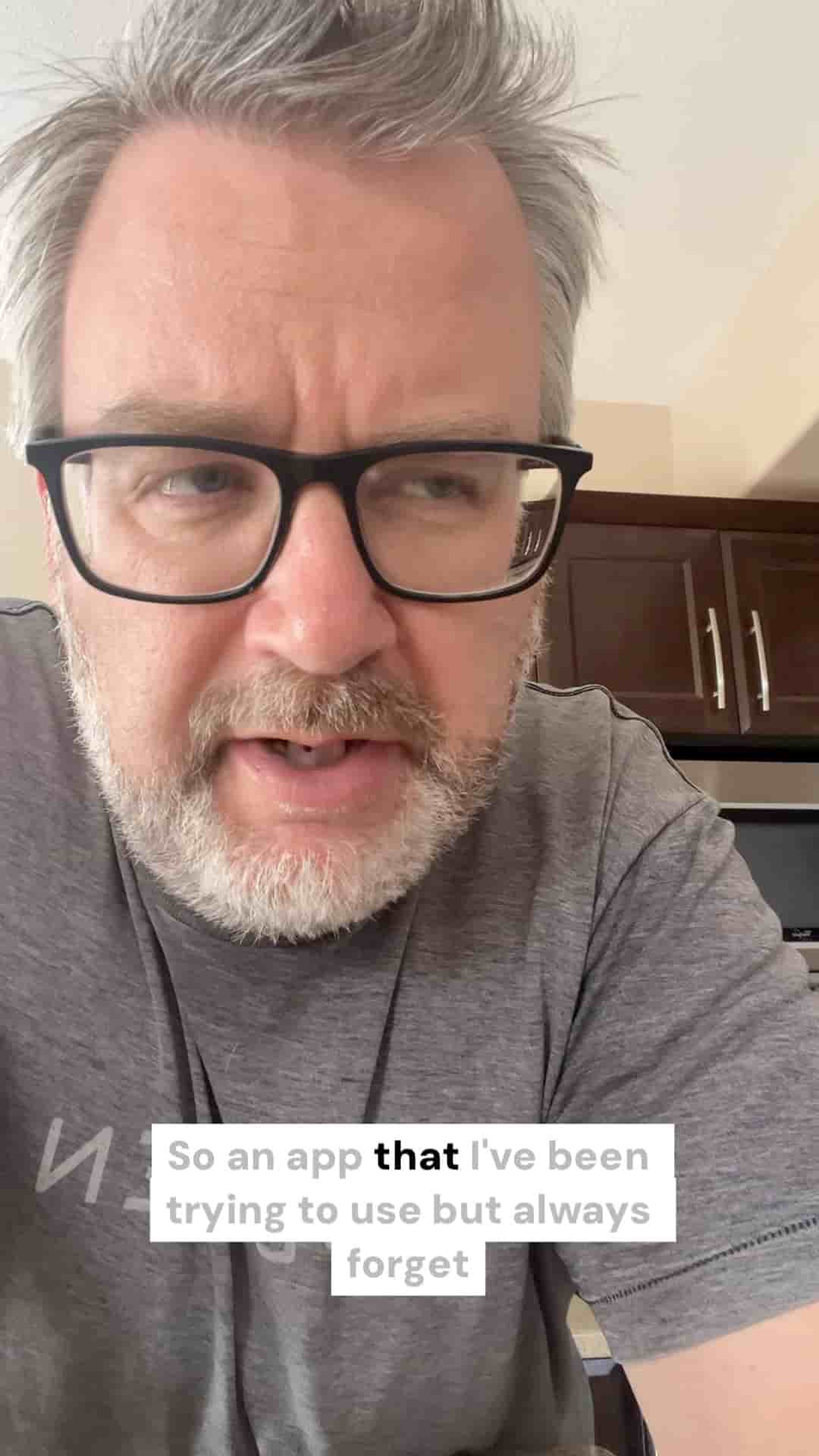
Beyond the multi-camera recording, Detail lets you insert secondary sources into your footage. React to a YouTube video, drop in a photo, loop a clip alongside your talking head. It's the kind of picture-in-picture setup that used to require a real editing suite, and here it's just baked into the recording flow. I shot a quick demo with both cameras running at once, front facing out and back facing down at whatever I happened to be holding, and the layout worked exactly as advertised.
Record front and back cameras simultaneously, with automatic multi-angle cutting built in.
The editing happens inside Detail itself once you're done recording. Trim, arrange, adjust — all without leaving the app. That alone makes it worth a look for anyone who shoots short-form video on their phone and usually ends up fighting with a separate editor afterward.
The part that genuinely surprised me is the export integration with Subwave, which is the same company's social video and podcast platform. Once you finish editing inside Detail, you can send the video straight to Subwave with what feels like two taps. The handoff is clean.
"The integration is kind of slick."
This post itself is the test. I recorded it in Detail, edited inside the app, and published it directly to my Subwave account. If you're reading this, it worked.
The workflow Detail is pushing, record multi-camera on your phone, edit on your phone, publish to your own channel, is genuinely useful for anyone doing interviews, reactions, or straightforward talking-head content. The barrier to producing something that looks reasonably put-together is lower than it has any right to be. Worth keeping on your home screen rather than buried where you forget it exists.