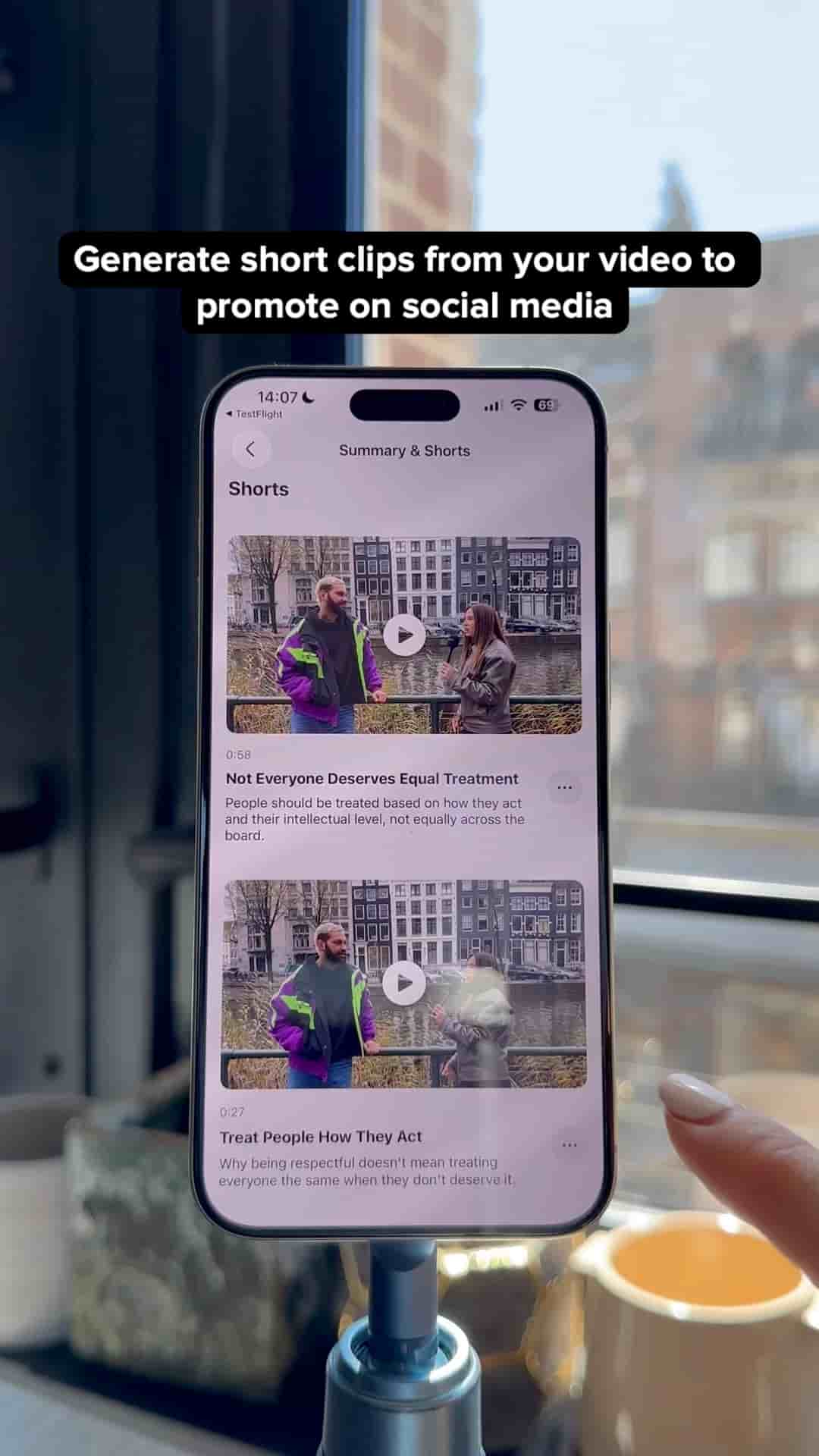
Subwave turns one uploaded video into short clips, a newsletter, and podcast show notes automatically. The app is available in the App Store.
Subwave turns a single video, voice memo, or text file into a podcast episode, a full written article, an email newsletter, and short clips, automatically, with no extra editing or writing on your end.
Most creators treat repurposing as a second job. You record something, then spend hours clipping it, writing it up, formatting a newsletter, and uploading to every platform separately. Subwave collapses all of that into one upload.
Your audience gets to choose how they want to consume your content. Read it, watch it, or listen to it.
If you haven't already, create your Subwave channel. This is where all your posts will live.
Tap New Post and choose your source: upload a video file, a text file, or a voice memo. On iPhone, you can also open Voice Memos, tap Share, and send it straight to Subwave.
Give it a few seconds. From that one upload, Subwave automatically generates:
Preview the clips and pick the ones worth publishing. Edit the article if you want to tweak anything, though you don't have to. Then share your channel link.
Your audience gets to choose how they consume it: read it, watch it, or listen to it, all from the same post.
Everything's created automatically.
The app is available in the App Store.