A practical guide to upgrading your audio setup from affordable iPhone alternatives to professional podcast gear, with hands-on testing of each option.
Hey, I'm Frank from Detail, and if you're a single creator—whether you're a home chef presenting recipes, a podcaster, or a vlogger just starting out—you might be wondering when and how to upgrade your audio setup. The truth is, your iPhone's built-in audio quality is pretty good, and if you've got AirPods, those work well too. But if you want to step it up a little bit, I've got some options for you.
In this guide, I'm going to walk you through several audio setups, starting with pretty affordable gear, moving up the ladder, and then showing you what pro gear looks like. I've tested each of these options by screen recording on my iPhone and iPad, so you can hear exactly how they perform.
Let me start with what's probably one of the best bangs for your buck: the Audio-Technica ATR2100X. This microphone is insane. It comes with both USB-C and XLR connections, which means it grows with you as your setup evolves. I think it's around $150, and while I'm not sure if this exact model is still available, there are many comparable options out there.
The setup is dead simple. I just popped the USB-C cable into my iPhone, and it was directly connected—no drivers, no configuration. I pressed record and immediately started capturing audio. The microphone comes with a table stand that looks cool and serves its purpose well. It's not extremely sturdy, but it works. There's also a windscreen included that's a bit finicky to get on, but honestly, who cares? It looks techy and geeky.
The cool thing about this setup is that if you're shooting with Detail using two iPhones, you can use one microphone on each device. You have cables, you can use longer cables, so you don't need to be super close to your iPhone.
The quality is insane for the price point. You're actually holding something substantial in your hand, and it makes your production feel more professional immediately.
The second microphone I want to talk about is the Rode VideoMic Go 2. This one's not that expensive either—actually pretty cheap for what you get. But here's the key difference: while the Audio-Technica is omnidirectional, this Rode is pretty directional.
Again, setup was simple. I plugged in the USB and hit record. The audio quality is amazing, but what makes this microphone special is how you can use it. You can place this one next to your camera—I put it on a table stand (which isn't really made for this, but it's pretty sturdy). The directional nature means you can place it off camera and still capture great audio.
The Audio-Technica needs to be closer to your mouth, but this Rode can sit further away or even be mounted on top of your camera. For the price, you really can't beat it. It's a different use case than the Audio-Technica, but if you want to keep your setup looking clean without a microphone in the frame, this is a really solid choice.
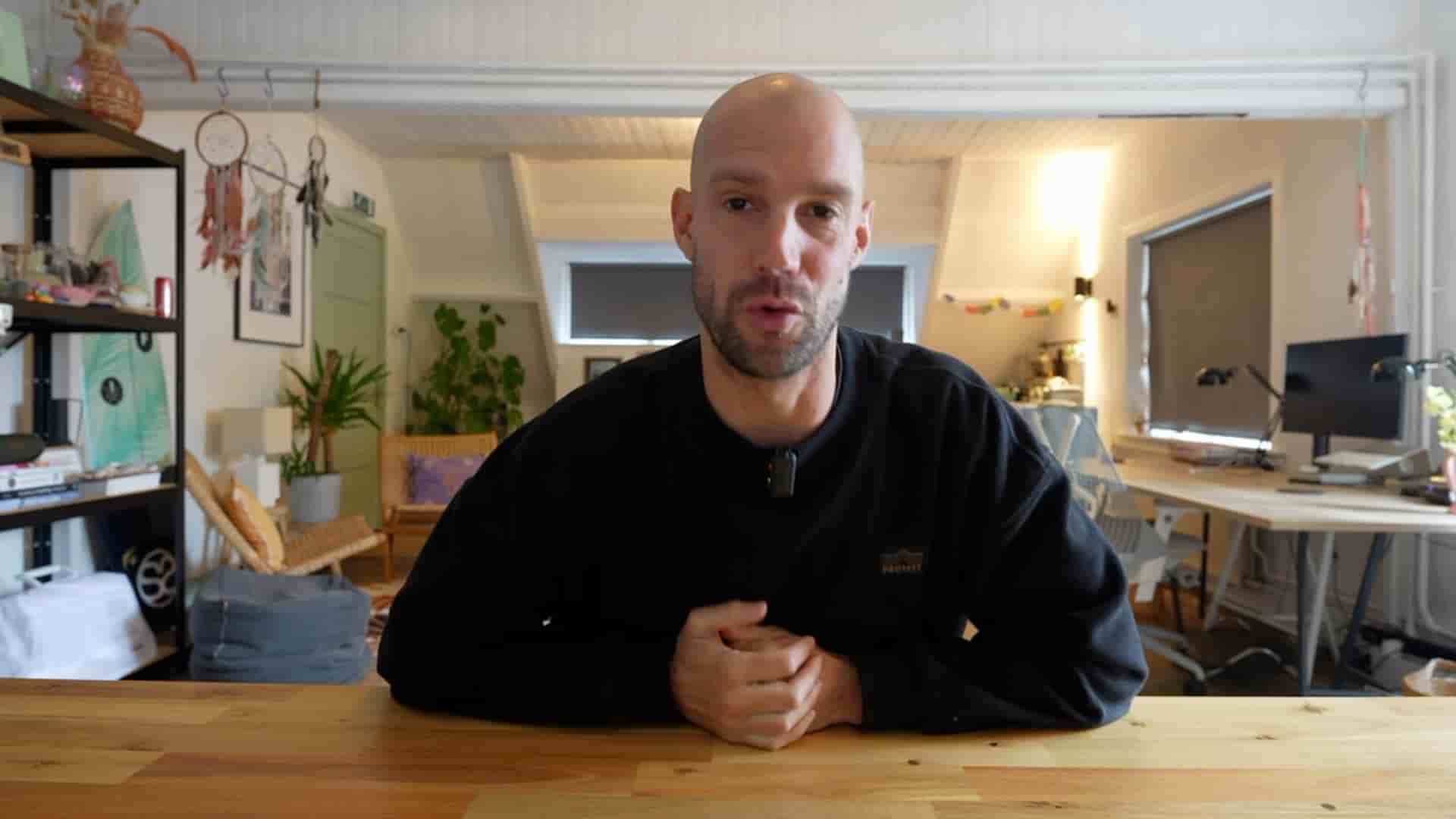
For this entire tutorial, I've actually been using a Holyland wireless set—specifically the Lark 2 combo (M2 combo). This definitely isn't the cheapest option, but it's pretty good. You get two microphones and one receiver that just pops into your iOS device—whether that's your iPhone or iPad. And it works right out of the box.
The wireless freedom is incredible if you need to move around while recording, though I'll admit the setup gets messy pretty quickly with all the cables involved in a full production environment.
Now, this next one is crazy. The Shure SM7B is what I consider the golden standard for podcasting. It's heavy, it looks very cool, and it's super expensive. But there are a couple of issues—or rather, considerations—with this microphone.
You can't connect it directly to your iPhone. There is a USB version available, but to make the standard SM7B work, you need an audio recorder that can accept XLR input. I'm using the Zoom PodTrak P4, which has four XLR inputs.
Here's how the setup works: First, I power on the PodTrak, then connect the XLR cable from the SM7B to the recorder, and then connect the recorder to my iPhone via USB. The audio is then directly inputted into your iPhone using the SM7B. The PodTrak is around $150, the SM7B is about $350, plus you need cables—so it quickly adds up.
The cool thing about this device is that you can actually tune the level of input, so you can adjust it to make the audio louder or softer as needed.
The quality of this microphone is absolutely insane. If you want to record a podcast and you're serious about it, this is the setup that pros use. With the PodTrak P4, you can input up to four microphones, so if you have multiple hosts or guests, you're covered. And if you want to step up your game even further, you can use a field recorder, a Rodecaster, or devices with even more channels—but then the cost really adds up.
So what's the best setup for upgrading your audio? That really depends on your needs and budget. The Audio-Technica is incredibly powerful and affordable, giving you professional sound without breaking the bank. The Rode VideoMic Go 2 offers a clean, off-camera solution with directional audio that's perfect for solo video creators. The wireless options like the DJI mic or even cheaper alternatives like the Boya microphone (which I didn't cover in detail here but think is still great) give you freedom of movement. And if you're ready to invest in pro gear, the Shure SM7B with a proper audio interface is the gold standard.
Let me know in the comments what setup works best for you. Are you starting with budget gear and working your way up, or are you ready to jump straight into professional equipment? Whatever you choose, upgrading your audio is one of the best investments you can make in your content quality.
Thank you so much for reading, happy creating, and I'll catch you on the next one.