Stop juggling five tools to publish one piece of content. Subwave brings recording, editing, writing, and distribution into a single creator workflow.
Most creators I know are running three, four, maybe five different tools just to publish one piece of content. You record somewhere, edit somewhere else, write your show notes in another app, post a short clip somewhere, and you still hope people will find your content. What if all of that lived in one place? And what if that place actually helped you make it better?
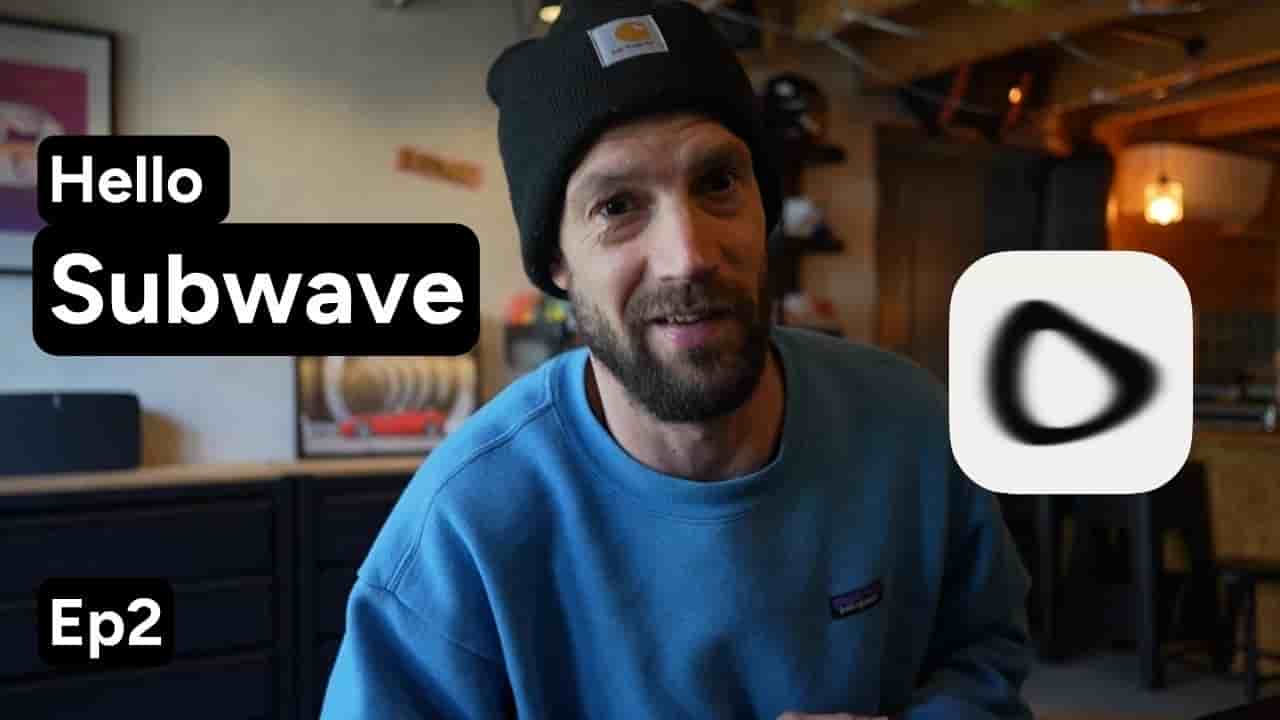
Welcome back, I'm Frank and this is episode 2 of our Subwave series. Today we're getting into the creator side, what you actually get when you set up your channel in Subwave.
Maybe it's important to say when I say creator, I don't mean you need a studio, a following or a fancy camera. It means anyone with something worth saying. A chef sharing recipes, a teacher breaking down a concept, a company talking to its customers, a person with a point of view.
If you have a story, you are a creator.
And Subwave is built for you. Spoiler alert: it's more than you expect.
First thing: Subwave doesn't lock you into one format. Do you want to do video? Great. Audio only? Also great. There's a built-in recorder, no external tool needed. Prefer writing? You can publish articles or mix all three.
Most platforms are built around one format: YouTube's video, Spotify's audio, Substack is text. On Subwave, your story decides the format, not the platform.
Now here is where it gets interesting. When you upload or record something, Subwave's AI gets to work. It will generate an outline, write your show notes and create a full article from your content.
And here's the part I love: you choose the tone of voice and writing style before it does. If your channel is casual and nerdy, it will write like that. If it's professional and sharp, it will write like that. And it matches you, not some generic AI voice.
The outline isn't just a text dump, it becomes a proper article. Formatted, readable with pull quotes, clean typography.
Readers can read along while watching or come back to it later like a blog post. There's also a full transcript tab because good content should be accessible.
Oh, and for the people who are active on other social platforms, Subwave will take your long form content and create short versions so you can share it anywhere else.
So let's recap. On most platforms you need a recorder, a transcription tool, an AI writing assistant, a newsletter platform and a blog. Just to cover what one piece of content could be.
On Subwave, that's one channel, one place and one workflow.
And it's all yours. Your brand, your audience and your content.
In episode 3 we'll flip it around. I'll show you what it is to actually watch content on Subwave and why that experience is just as intentional as to create a site. See you there.