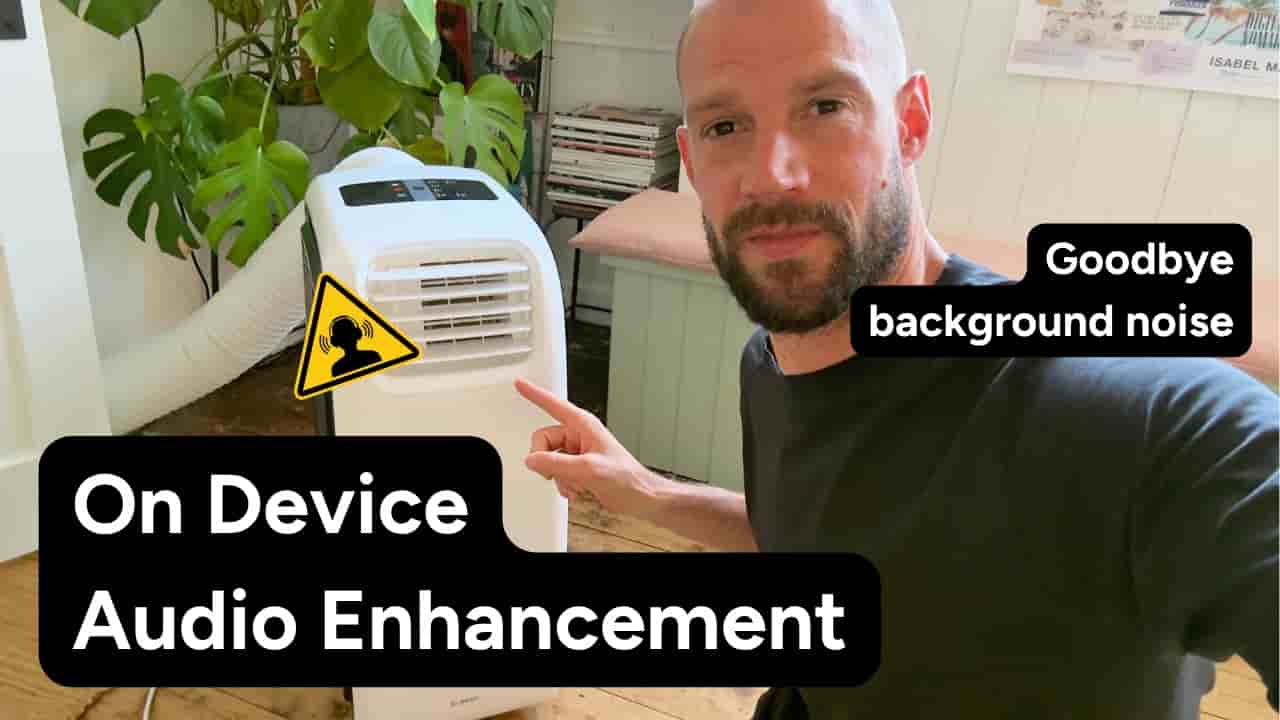
Detail's new audio enhancement runs entirely on-device, trained on Detail's own audio, and removes background noise in near-instant time with a single tap.
Background noise is one of those problems that kills otherwise good footage. You nail the shot, the light is right, you're saying exactly what you want to say — and then you hear the fan, the AC unit, the hum of something you forgot was running. Detail's new audio enhancement feature is built to fix that, and it does it entirely on your device.
Frank from Detail recorded this demo in his studio on a warm day in the Netherlands, with a mobile air conditioner cranked to its loudest fan setting. The internal iPhone microphone was used on purpose — it picks up the most ambient sound, making it the hardest test case for any noise removal tool.
The workflow is about as simple as it gets. After recording, you step into the timeline, scroll to the audio section, and tap Enhance. That's it. For clips under a minute, the processing is near-instant. Longer recordings take a little more time, but the turnaround stays fast.
tap enhance and there you go that's it
Once enhanced, a slider lets you move between the original and processed audio so you can hear exactly what changed. In the demo, the difference is immediate — the air conditioner noise drops out while the voice stays clean and present.
The models powering this weren't pulled off the shelf. Detail trained them using their own audio data, which is part of why the results are fast and why the enhancement feels calibrated rather than generic.
Detail trained its own models on its own audio — that's why the enhancement feels tuned, not generic.
The processing never leaves your device. No audio is uploaded to a server, no cloud round-trip, no waiting. It runs locally, which also means it works without a network connection.
Audio enhancement is a pro feature in Detail. Given what it replaces — re-recording in a quieter space, reaching for a separate audio editor, or just living with the noise — the tradeoff is straightforward.
"This audio never leaves your device. It's an on-device model. It's a pro feature, but it's totally worth it."
For anyone recording on an iPhone in anything less than ideal conditions, that's the practical pitch: you get clean audio without changing how you record or where you edit.