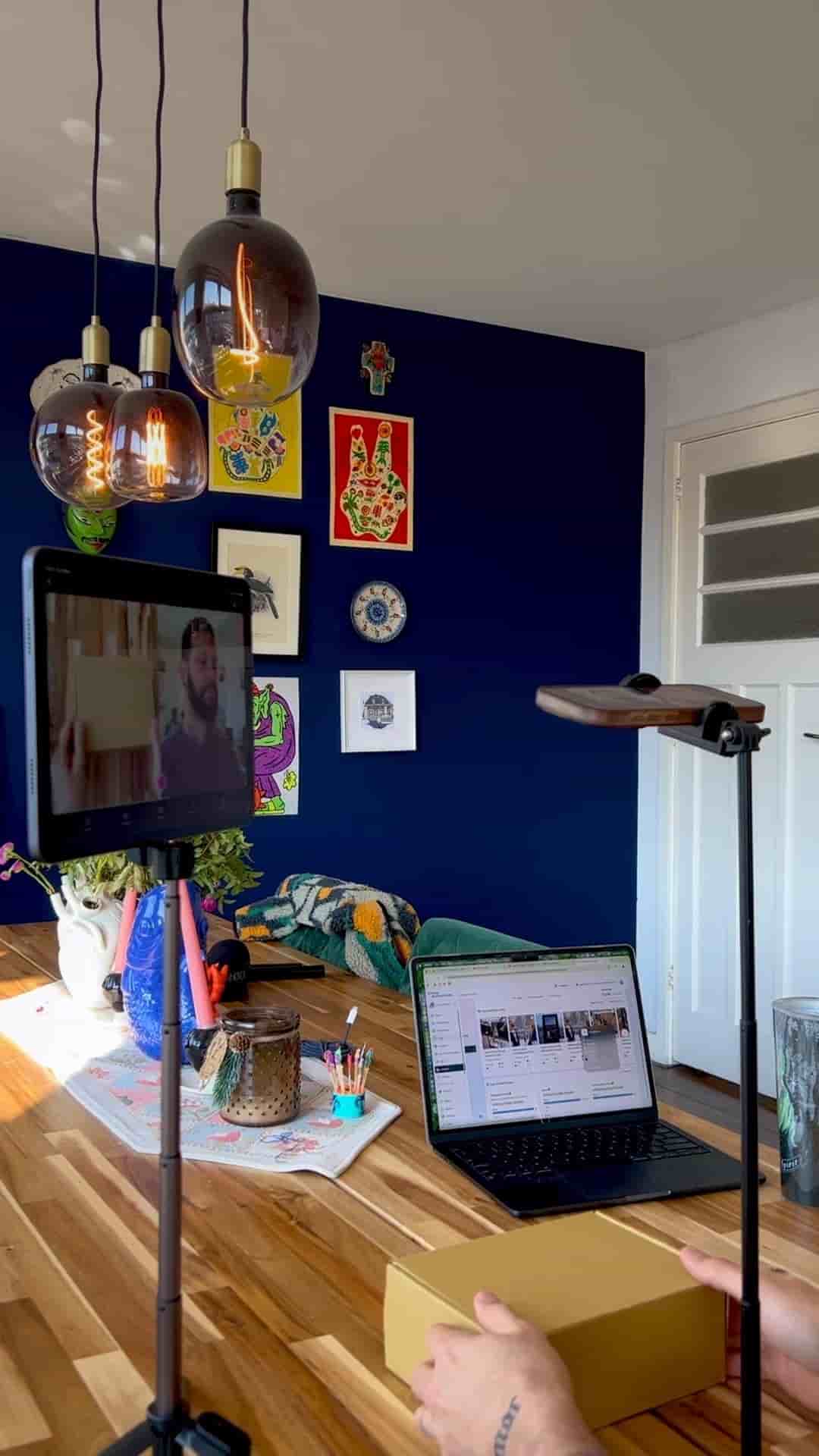
Two iOS devices and the Detail app are all you need to record and edit a two-angle unboxing video, start to finish, in one place.
Two angles are all it takes to make a solid unboxing video, and you probably already own everything you need. A close-up of the product and a shot of your face reacting to it — that combination is what makes unboxing content work. Getting both at the same time, in sync, without a complicated rig, is the part most people overthink.
The setup runs on two iOS devices. An iPhone and an iPad is the ideal combo, but two iPhones or even an iPhone and a laptop all work. The key is that both cameras record together and land in the same project, already in sync.
Download Detail for iOS on both devices. Open a new project, tap the three dots, and connect them. That's it — both cameras are now linked. You'll see a split screen by default, but don't touch the layout yet. Get your physical setup right first.
Both cameras link in the same project. Tap record once and they both go.
Place your phone on a small tripod facing straight down for a top-down view of the box. This gives you a clean product angle with no background clutter. Then set your iPad to the side to frame your face reaction — on a tripod or just flat on the table, whatever works in the space.
When everything looks good, tap record on the iPad. Both cameras start at the same time.
Once you're done recording, everything happens inside Detail. Keep the split screen, switch layouts, or toggle between single shots of your reaction and the product. You can trim, split, delete clips, and add automatic captions all in the same place.
Easy, clean unboxing videos with two angles and no complicated setup.
No exporting to a separate editor. No syncing files manually. The whole thing — capture and edit — lives in one app.