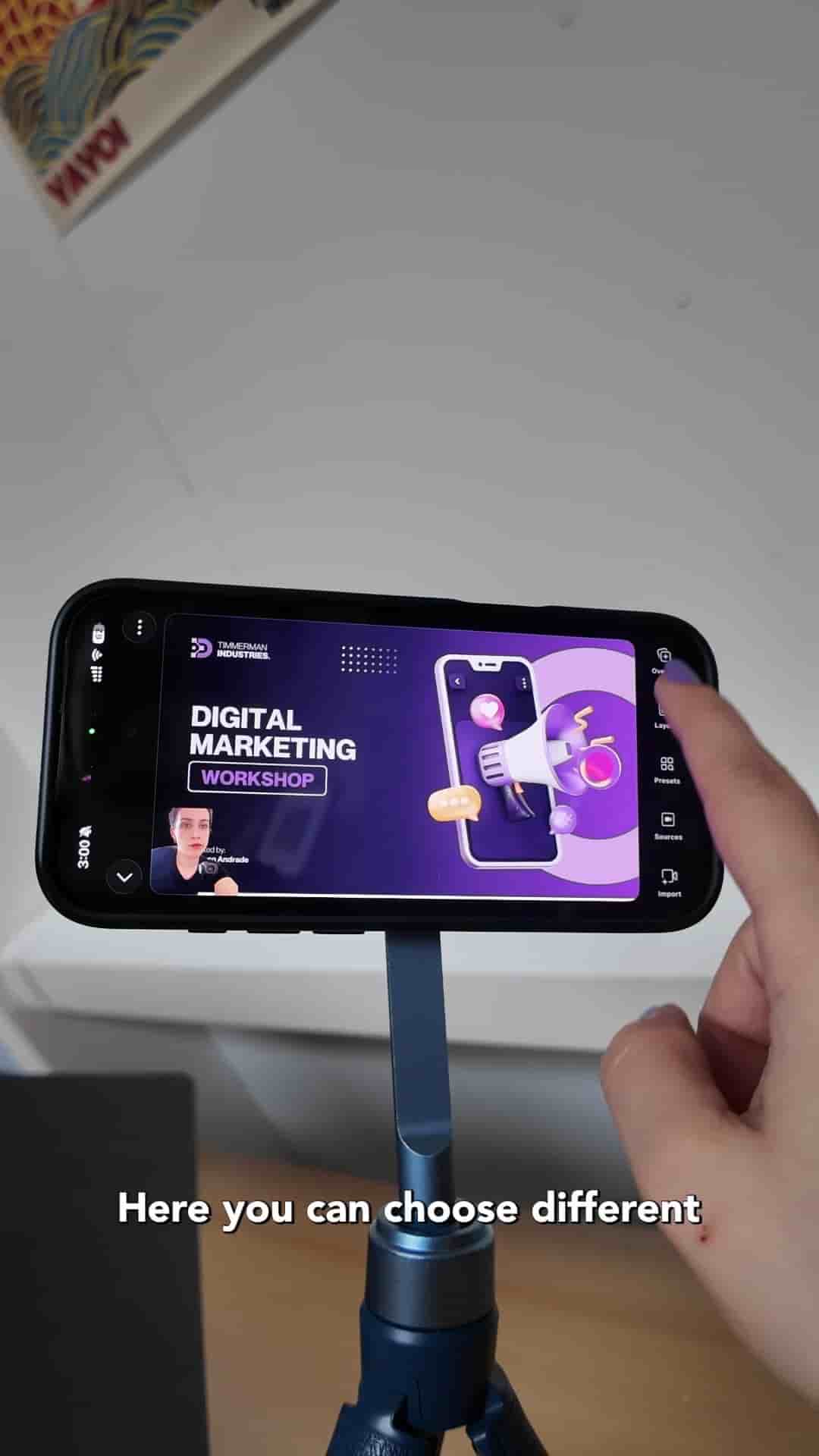
The Detail app lets you record teaching videos with slides on just your iPhone, with multiple layout options and per-slide timeline editing.
Recording a teaching video with yourself on screen alongside your slides used to require a full desktop setup. With just an iPhone and the Detail for iOS app, you can pull it off in a few minutes.
Start by airdropping your slides to your phone. Open Detail, go to Present Slide, and select your PDF from slides. The app imports everything in seconds.
Arrange your tripod and get your space ready, then head into the Layout section. Detail gives you a few options: circle overlay, picture-in-picture, and full picture-and-picture. Picture-and-picture puts you and your slides side by side, which works well for most teaching content.
AirDrop your slides, import the PDF, pick a layout, and hit record.
Once your layout is set and everything looks good, hit record and start presenting. Advancing through slides takes a single tap, so you can keep your focus on talking rather than fumbling with controls.
It's super convenient.
When you finish, stop the recording. Detail breaks the footage into individual slides in the timeline, so you can review each segment on its own.
"Here's the result." — the final output shows you and your slides together in a clean picture-and-picture frame.
The whole workflow from import to finished recording stays on your phone.