Detail lets you record slide presentations on iPhone with per-slide timeline editing and post-record layout changes, with no computer needed.
Recording a presentation on your iPhone used to mean either wrestling with a computer setup or accepting the limited editing options most mobile tools offer. Detail changes that calculus significantly, and if you've been using Loom for slide presentations, the difference is worth understanding.
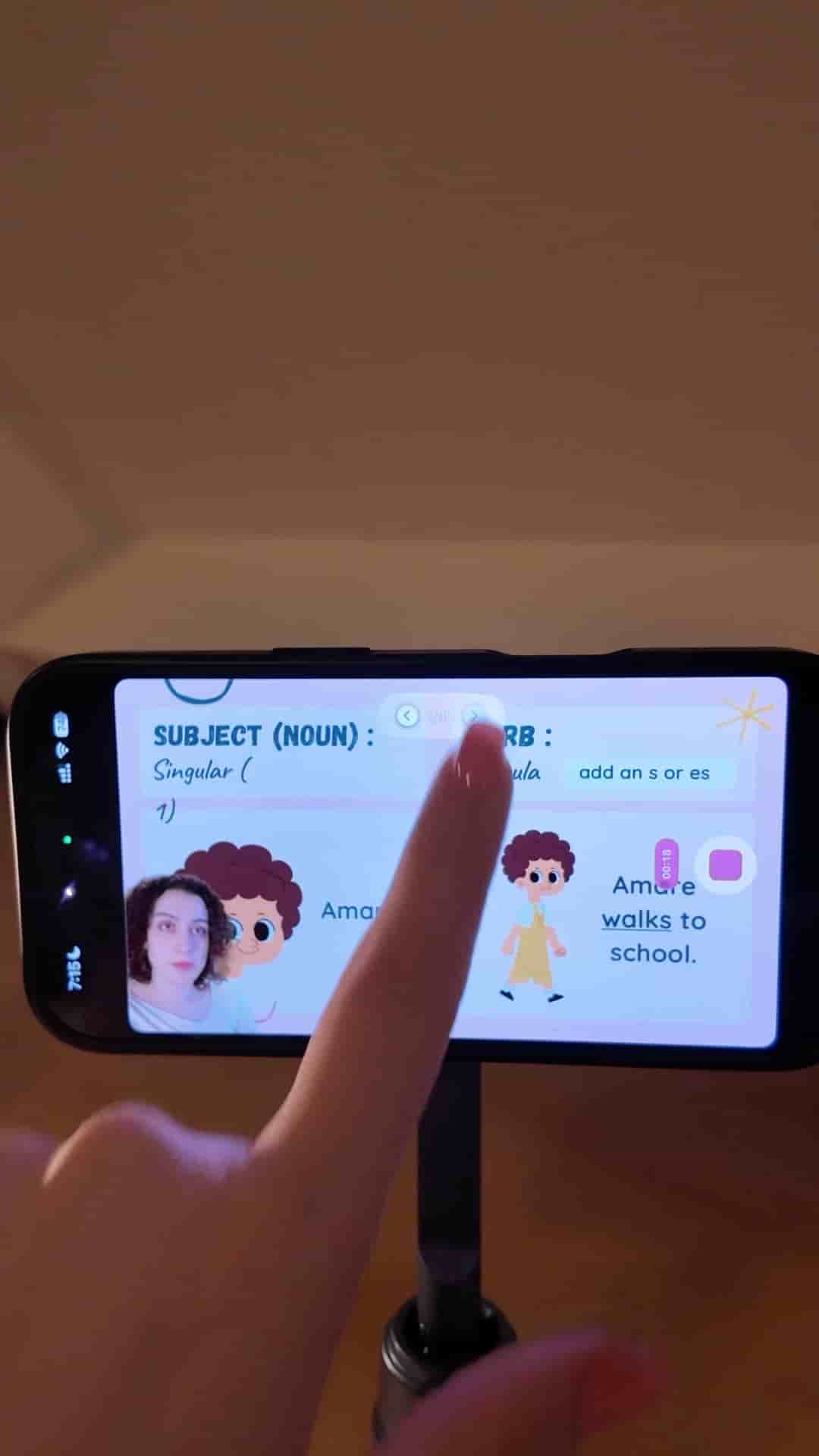
The workflow is straightforward. Export your presentation as a PDF, open Detail, and tap Present Slides. Import the PDF, and you'll see yourself positioned in front of your slides. Hit record, then swipe through slides one at a time. No computer required.
The editing experience is where Detail pulls ahead. Instead of one long continuous recording, every slide shows up as its own segment on the timeline. You can jump straight to any slide you want to fix without scrubbing through the whole video.
Every slide shows up as its own piece on the timeline.
Layout flexibility is another genuine advantage. With most tools, you commit to a layout before you record and live with it. In Detail, you can change the layout after the fact. Drag yourself to any position on the screen, zoom in or out, swap the arrangement entirely. The presentation still looks deliberate even if your first instinct wasn't quite right.
Change your layout, reposition yourself, zoom in or out — all after you've already recorded.
When you're done, export the video and share it.