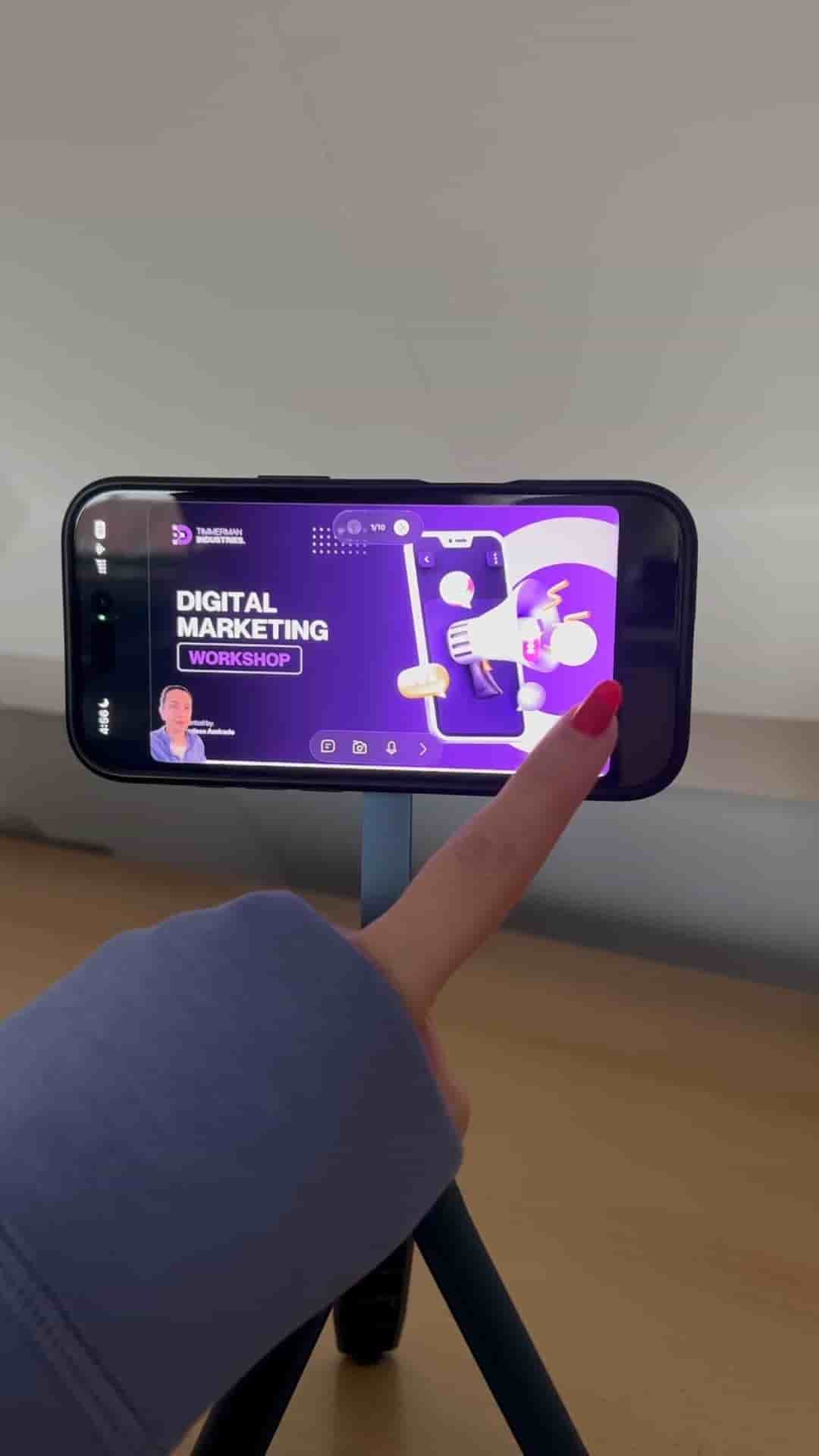
One tripod, one iPhone, and the Detail app are all you need to record and edit a slide-based course video from your phone.
A tripod, your iPhone, and Detail for iOS is all you need to record a polished course video with slides. No extra gear, no complicated setup.
The workflow starts by mounting your iPhone on the tripod and opening Detail. From there, navigate to Present Slides, choose PDF from Slides, and import your PDF deck in one tap. Once everything looks right, hit record and start presenting. Advancing through slides is a single click each time.
Each slide gets its own segment in the timeline, so edits after recording are fast and targeted.
When you finish, stop filming and head to the edit section. Detail automatically divides each slide into its own segment on the timeline, which means you can jump straight to any moment without scrubbing through the whole recording. Fixing a mistake is just as clean: if a slide needs updating after the fact, go to Sources, swap the media, and the correction drops right into place.
Just your iPhone and the Detail app.
The whole process removes the overhead that normally makes course recording feel like a large production. No screen recording juggle, no separate editing app, no hardware you need to buy. Your iPhone is already in your pocket.