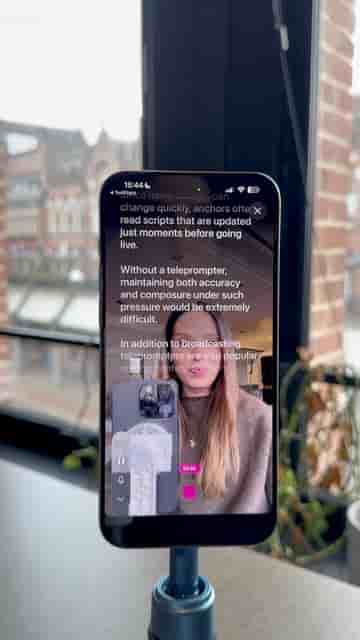
Detail's Record Script preset lets you paste, refine, and film with a built-in teleprompter so you stay on camera the whole time.
Reading from a script without looking stiff or distracted is one of the harder things to pull off on camera. The teleprompter feature in Detail solves this cleanly, and the whole setup takes less than a minute.
Start by tapping the Record Script preset at the top of the app. If you already have your script written, paste it straight in. From there, a set of script tools lets you refine it before you ever hit record: you can improve the copy, add a hook, expand it, or trim it down. Adding a hook is worth doing for any talking-head video — it gives viewers a reason to keep watching past the first few seconds.
Adding a hook to a talking video makes it noticeably more engaging before you've changed a single thing on camera.
Once you've made your edits, wait a few seconds while the script is optimized for filming. Then choose how you want the teleprompter to scroll during your recording, press record, and start filming.
The result is a delivery that feels natural rather than read, because you're looking straight at the lens while the words move in front of you.