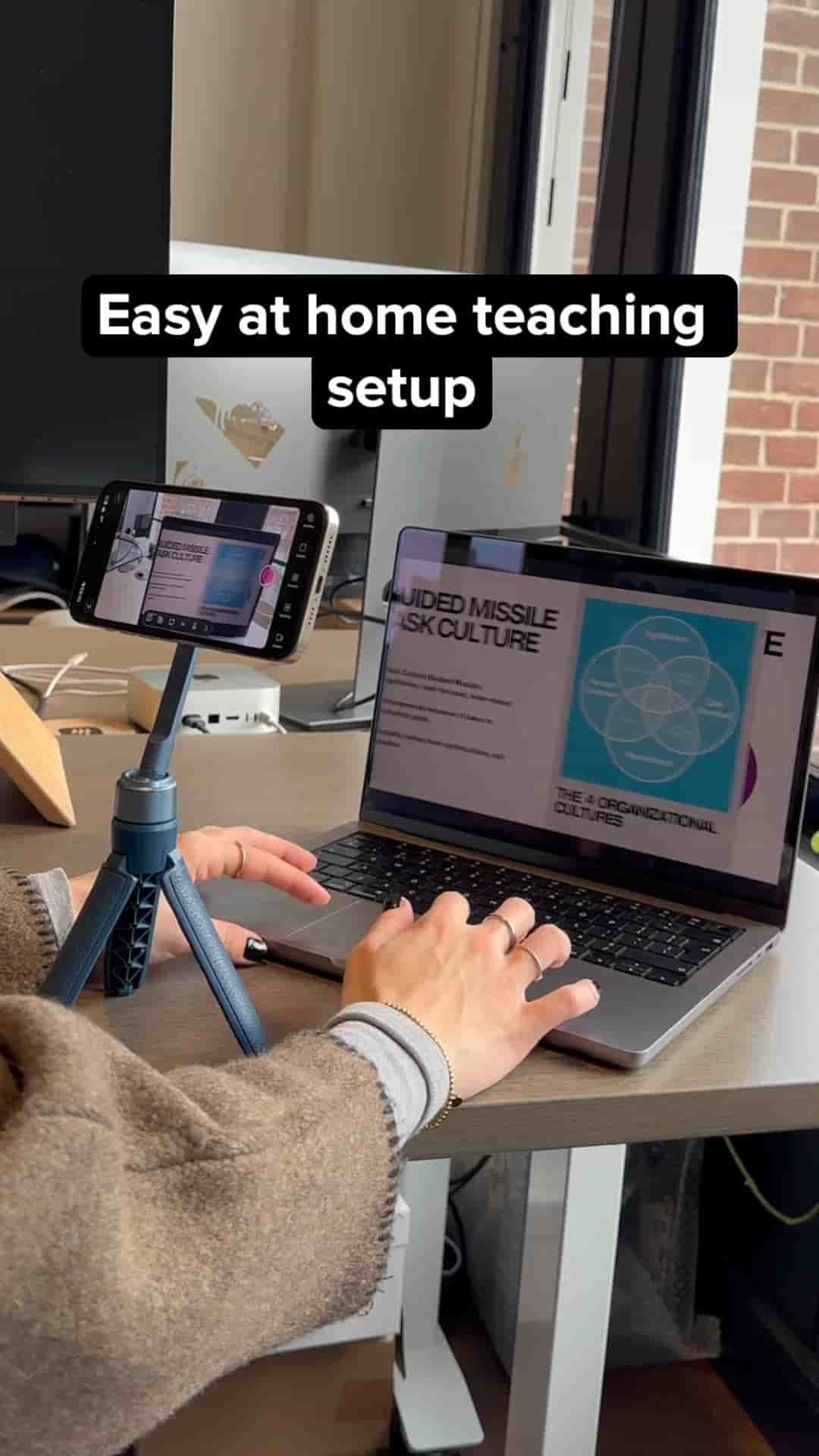
Filming polished course videos at home takes just your phone and the Detail app. Import slides, add your script, and record.
Getting your teaching videos to look polished when you're filming at home is easier than most people think, and you don't need a fancy camera setup to do it. With Detail for iOS on your iPhone, you can go from a messy home recording to a clean, professional-looking course video in a few simple steps.
Start by tapping the Present Slides preset at the top of the app. From there, you can import your slides directly from your Photos or Files app. Once your slides are loaded in, you also have the option to add your script to the presentation so it's visible while you record.
Adding your script to the presentation keeps you on track without needing a separate teleprompter setup.
This is one of the most practical parts of the workflow. Having your notes and slides in the same place means you stay focused on your lesson instead of glancing off-screen or losing your place mid-recording.
While you're recording, moving to the next slide is as simple as tapping the arrows at the top of the screen. No editing tricks, no cutting between takes — you just tap and keep talking.
When you're done, the video is ready to upload. No post-production required for the slide transitions.
If you've been putting off filming your course because your setup didn't feel good enough, this removes that excuse. Your phone, your slides, your script — that's the whole kit.