Detail adds music to your video in two taps: pick a track, pick your section, and it's done. Built-in royalty-free tracks mean you can skip the licensing search entirely.
Adding music to a video used to mean hunting down a track, checking its license, importing it, trimming it, and hoping the timing worked out. In Detail, the whole process collapses into two taps.
Start by tapping Music in the editor. From there, you choose how to bring your track in: import from Files or Photos, paste a link, or browse the built-in library of royalty-free tracks. That last option is the fastest path when you just need the right sound quickly and don't want to think about licensing.
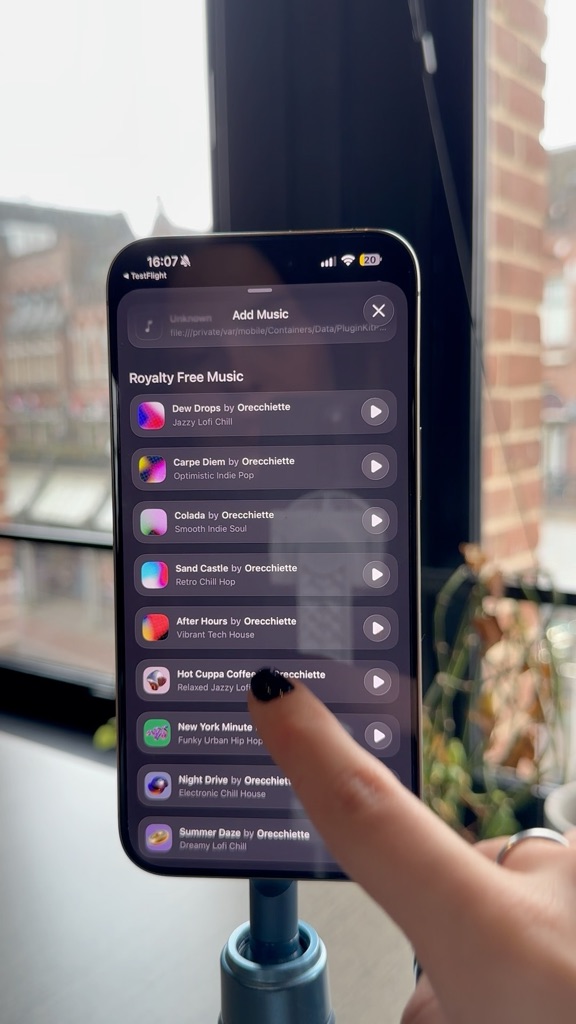
Pick the part of the song you want, and it's on your video instantly.
Once you've selected a track, you pick the section of the song you want to use. Detail drops it straight into your video. That's the whole workflow — two steps, and you're done.
Add music to your video in just two steps.