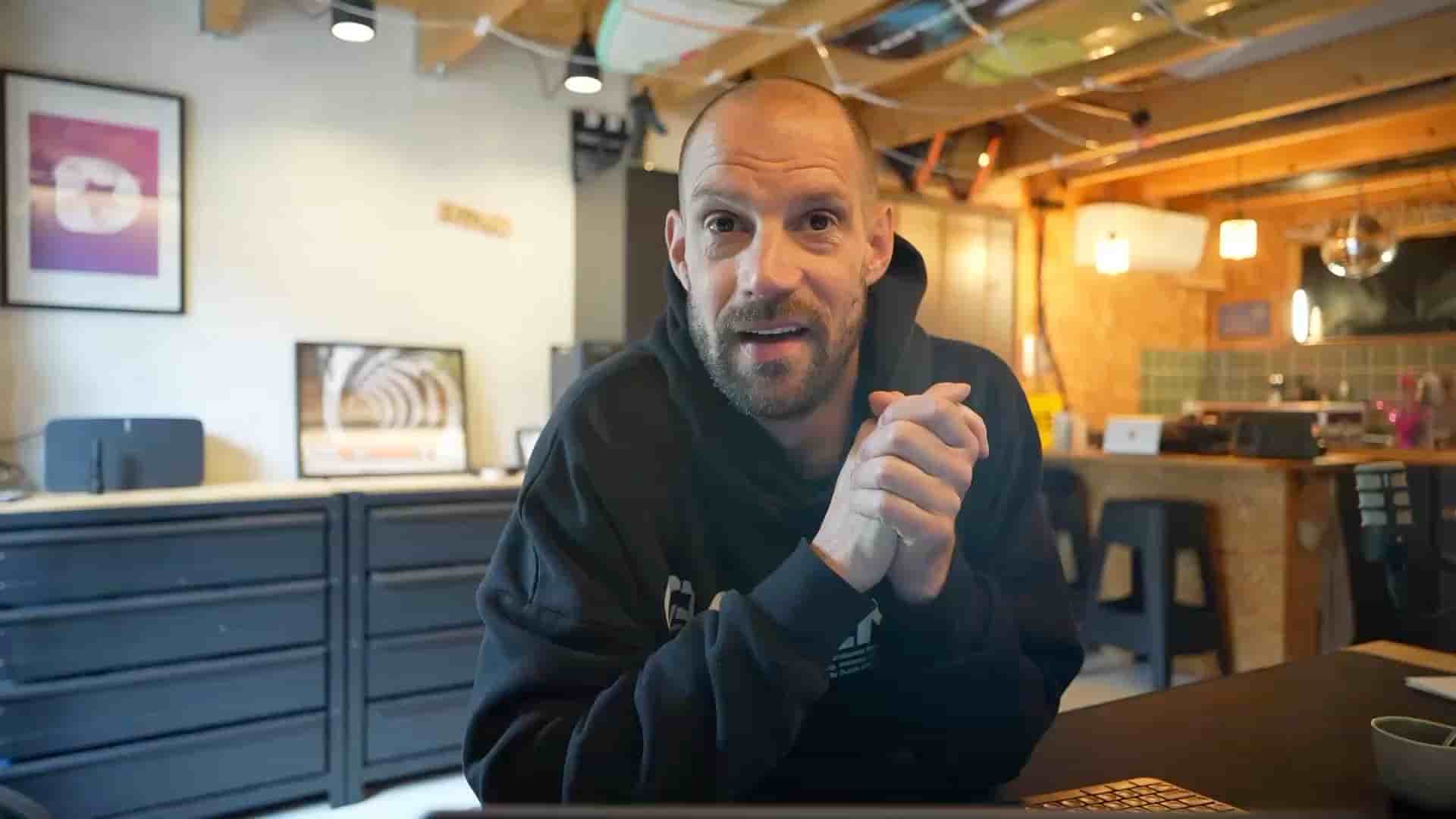
Frank published his first video podcast to Apple Podcasts in under 5 minutes using Subwave's RSS feed. You need three things: a Subwave account, some content, and an Apple ID.
Publishing a podcast always felt more complicated than it needed to be. You record the thing, then you have to figure out hosting, syndication, RSS feeds, and a half-dozen other steps before anyone can actually listen. I finally got around to it, and it took me just over five minutes start to finish. I'm genuinely a little embarrassed it took me this long.
You can get your podcast live on Apple Podcasts in about five minutes, using three things: a free Subwave account, content you've already recorded, and an Apple ID. That's the whole requirement list. If you've got an iPhone, you already have the Apple ID.
Here's exactly how to do it.
There's no more excuse not to publish your podcast on a big platform.
Once you've uploaded content to your Subwave channel, go to your account settings and open the channel you want to syndicate. Click Manage, and you'll see an RSS URL right there on the page (it'll look something like subwave.app/@yourchannel/feed). Copy it.
While you're on that screen, fill in a couple of optional fields too: pick a category (Technology, Comedy, whatever fits your show) and add a contact email. Subwave also pulls your channel description and cover art automatically into the podcast feed, so whatever you've already set up there carries over with no extra work.
Subwave generates the RSS feed. You just copy it and hand it to Apple.
Go to Apple Podcasts Connect in any web browser, this works on Windows too, you don't need a Mac. Sign in with your Apple ID, click the + icon, select New Show, then choose Add a show with an RSS feed. Paste in the URL you copied from Subwave, click Add, and you're done.
Apple pulls your show details, description, and full episode list directly from the RSS feed. Once it's approved, every episode you've published gets its own card in the Podcasts app, no manual re-uploading of anything.
"I think this video is probably longer than it will take you to publish a podcast."
One thing worth knowing: this isn't audio-only. Video podcasts are fully supported. Whatever you upload to Subwave, a straight audio recording or a video file shot in Detail or on your iPhone, comes through on Apple Podcasts correctly formatted either way.
If you've been putting off getting your show onto a major platform because the setup felt like a project, it isn't one. Record something, upload it to Subwave, copy one URL, paste it into Apple.